XORICON TestLab
Test case management and requirement engineering for QA teams.
TestLab supports planning, structuring, executing, and evaluating tests with requirements, test suites, issues, release context, reports, and dashboards.
Typical use cases
- Planning and executing manual test campaigns
- Tracking test runs, defects, and QA efforts
- Reports and dashboards for test and release status
- Requirements coverage for manual and automated testing processes
- Role-based collaboration between QA, development, and business teams
What the product covers
- Structure test planning
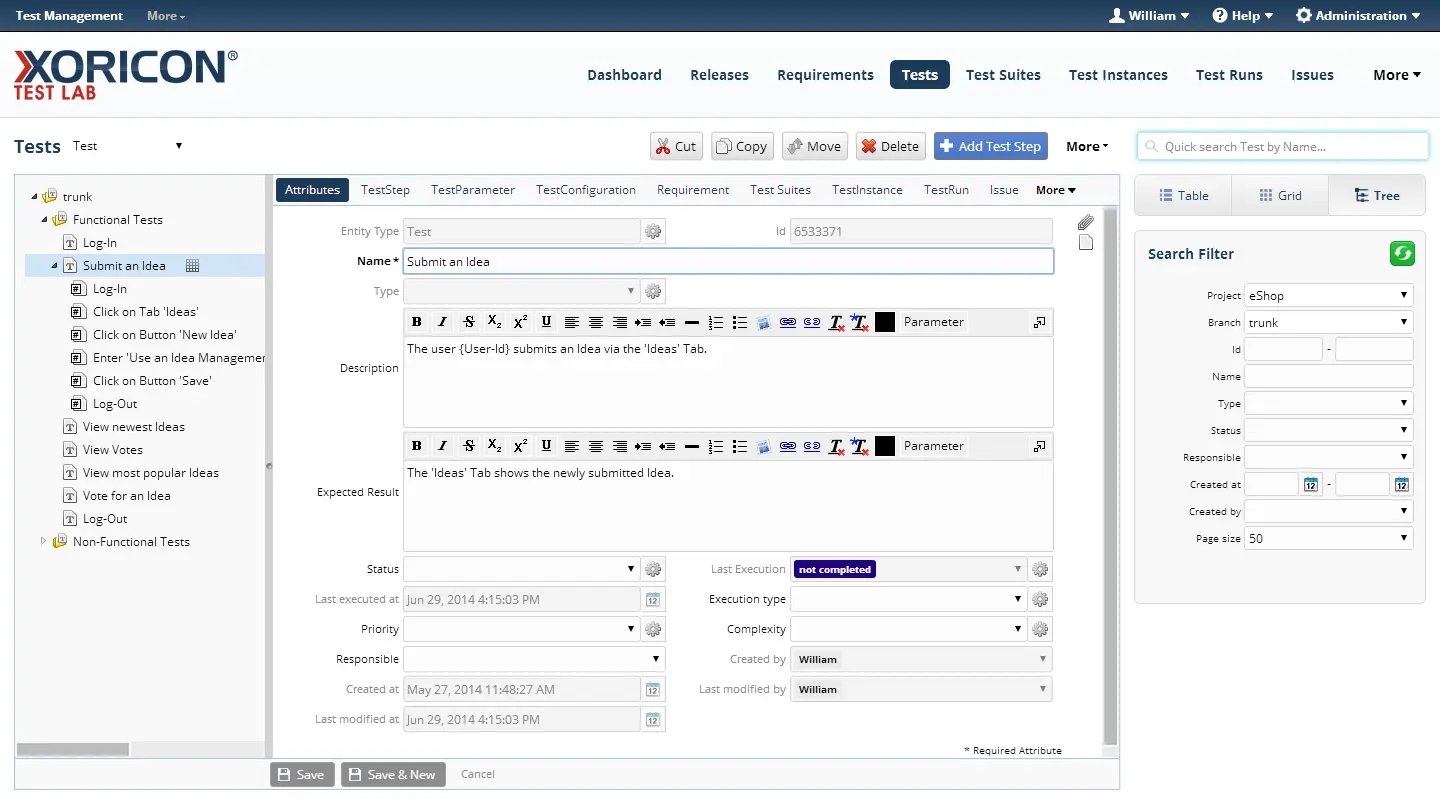
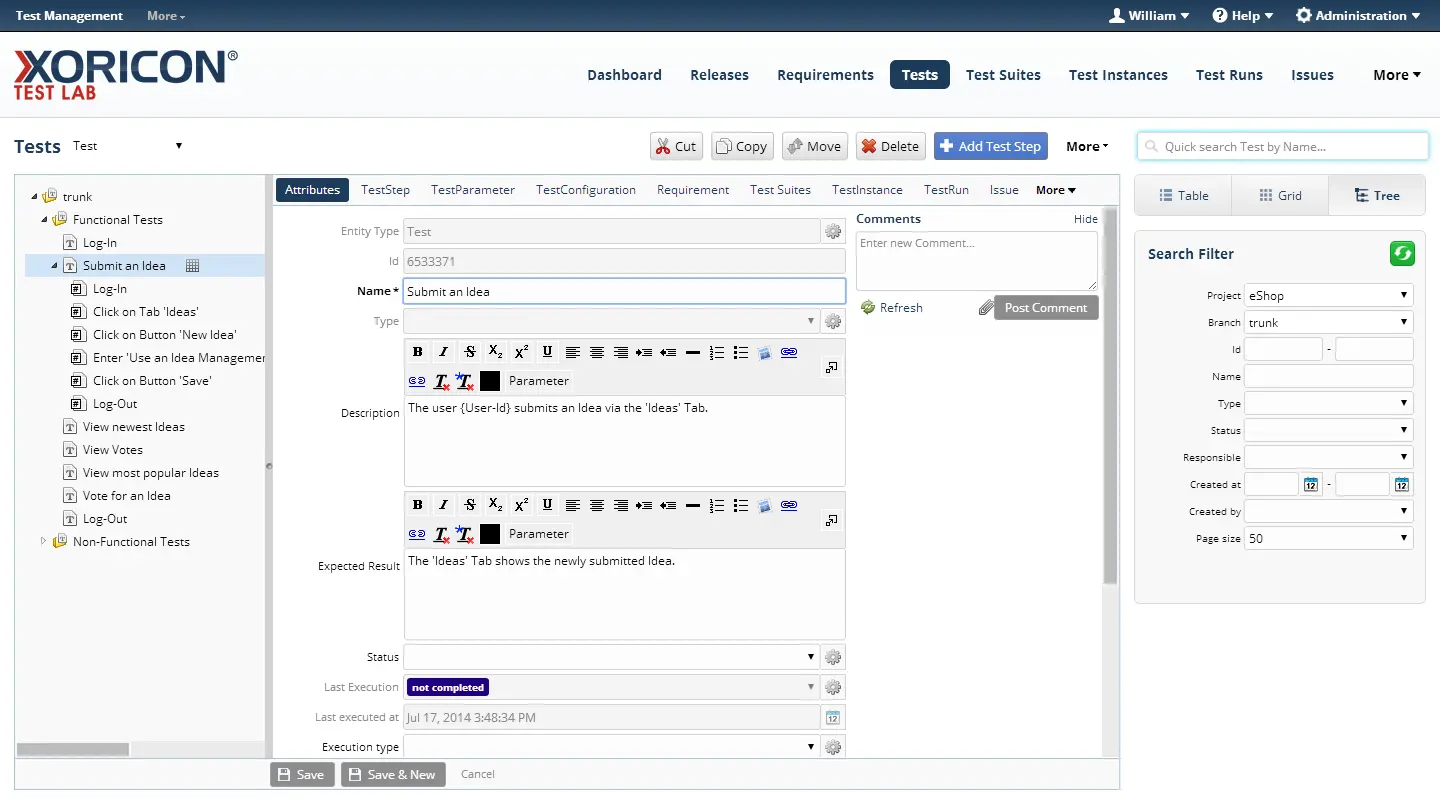
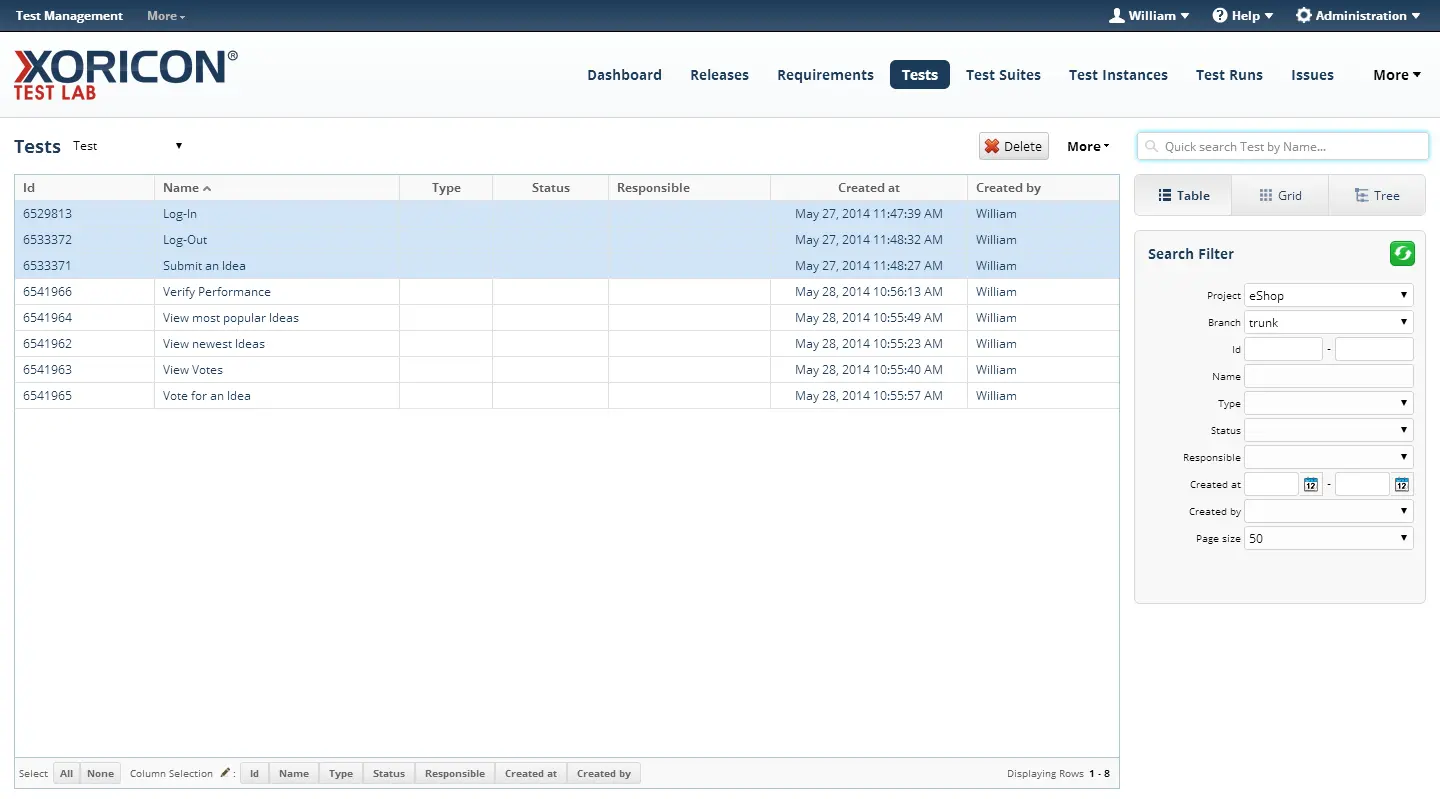
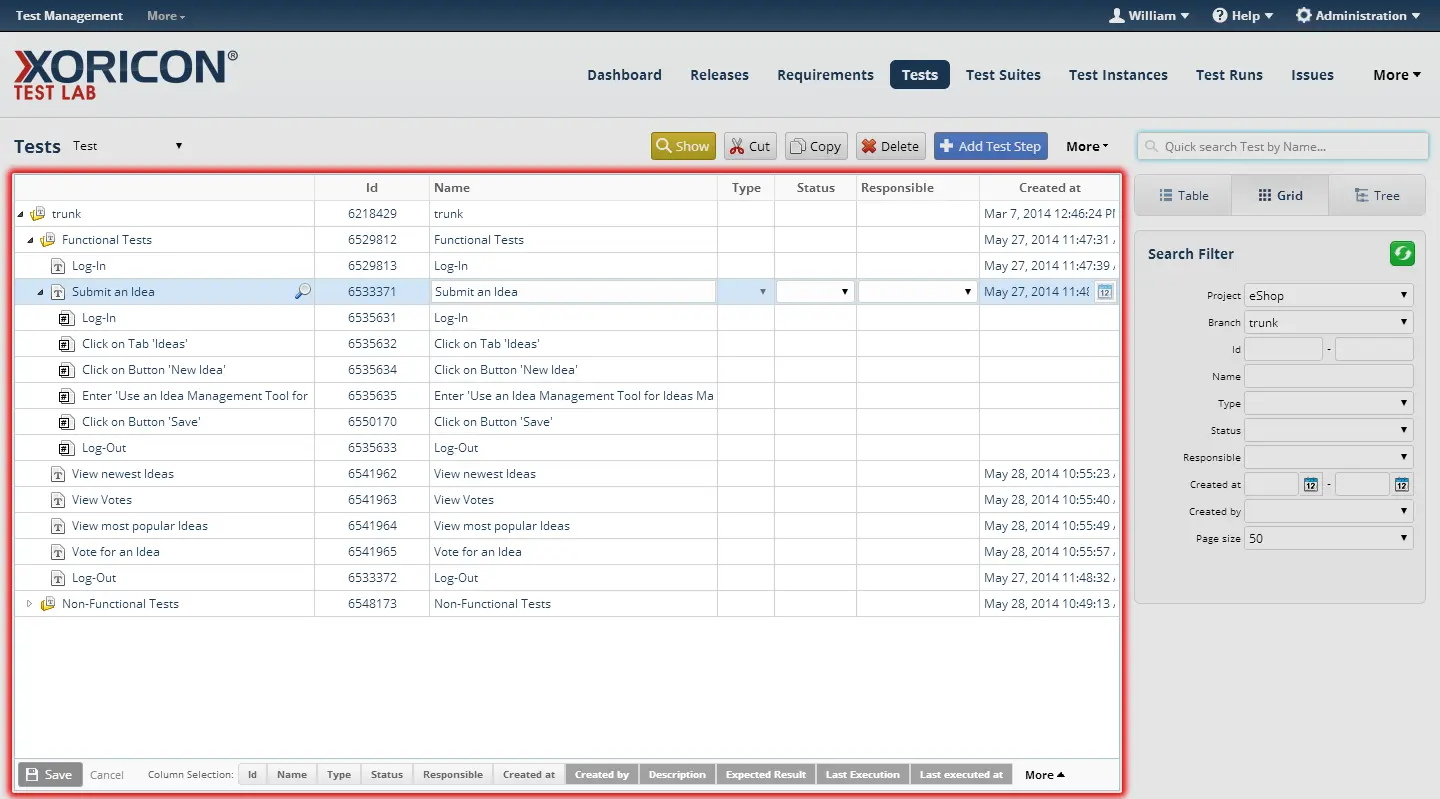
- Tests can be organized hierarchically, detailed with steps, inputs, expected results, parameters, and configurations, and prepared for different campaigns.
- Execute tests
- Test suites, test instances, and test runs support planned manual execution. Results, comments, attachments, and defects remain connected to the concrete test context.
- Cover requirements
- Requirements coverage shows which requirements are covered by tests, which tests remain open, and where QA gaps exist.
In detail
Integrated requirement engineering
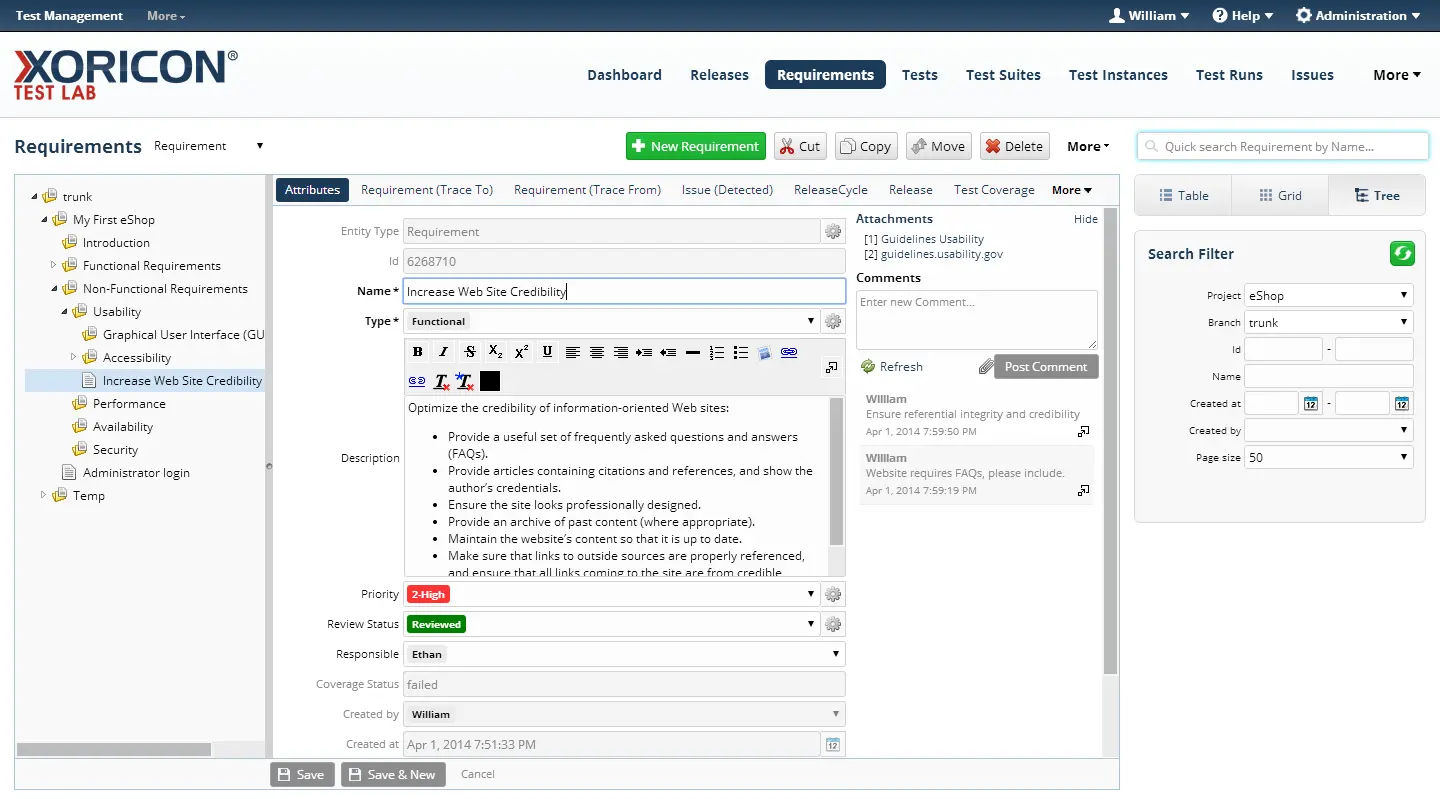
Requirements can be structured hierarchically, described with rich text, commented, and enriched with attachments or links. Coverage relationships to tests show which requirements are verified and where gaps remain.
Release and cycle planning
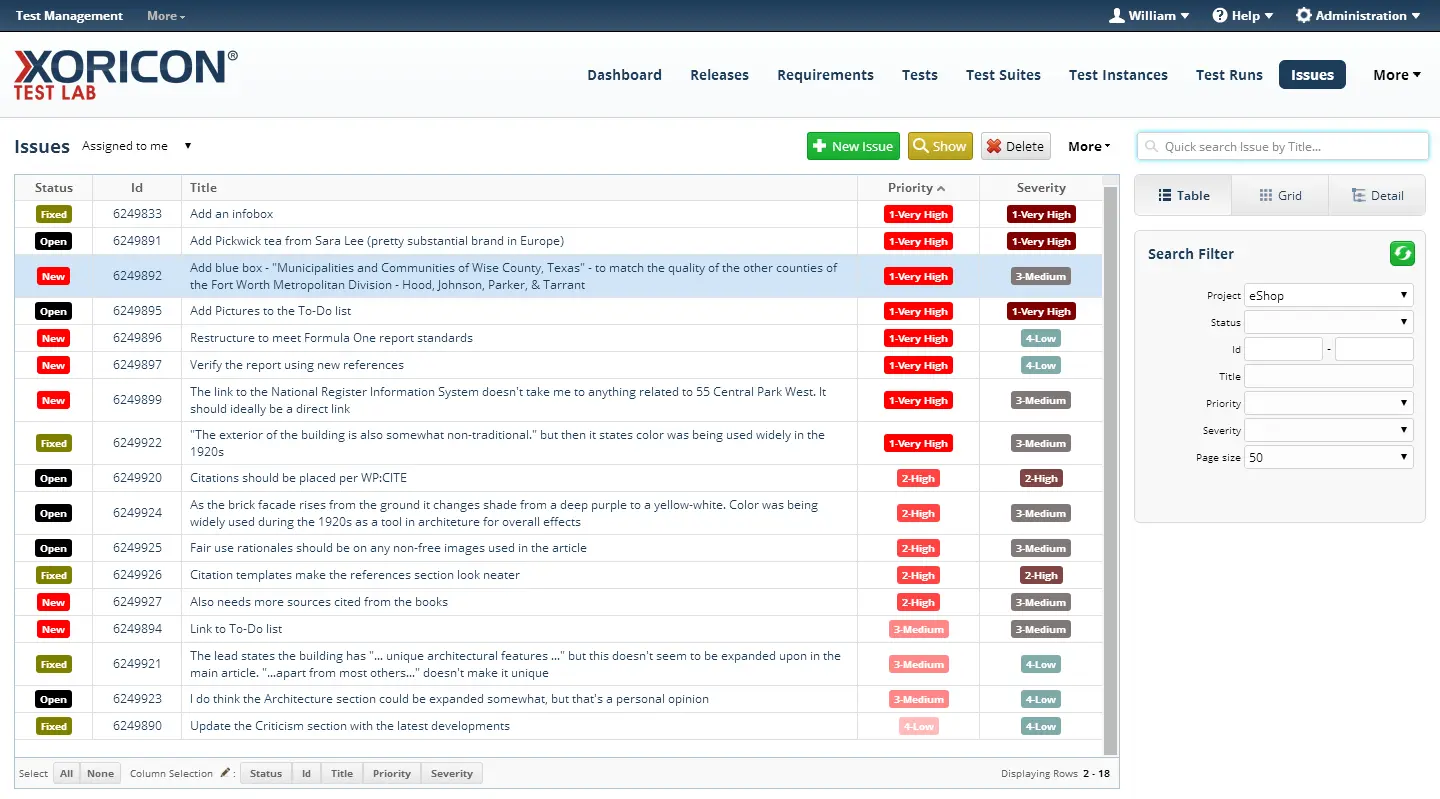
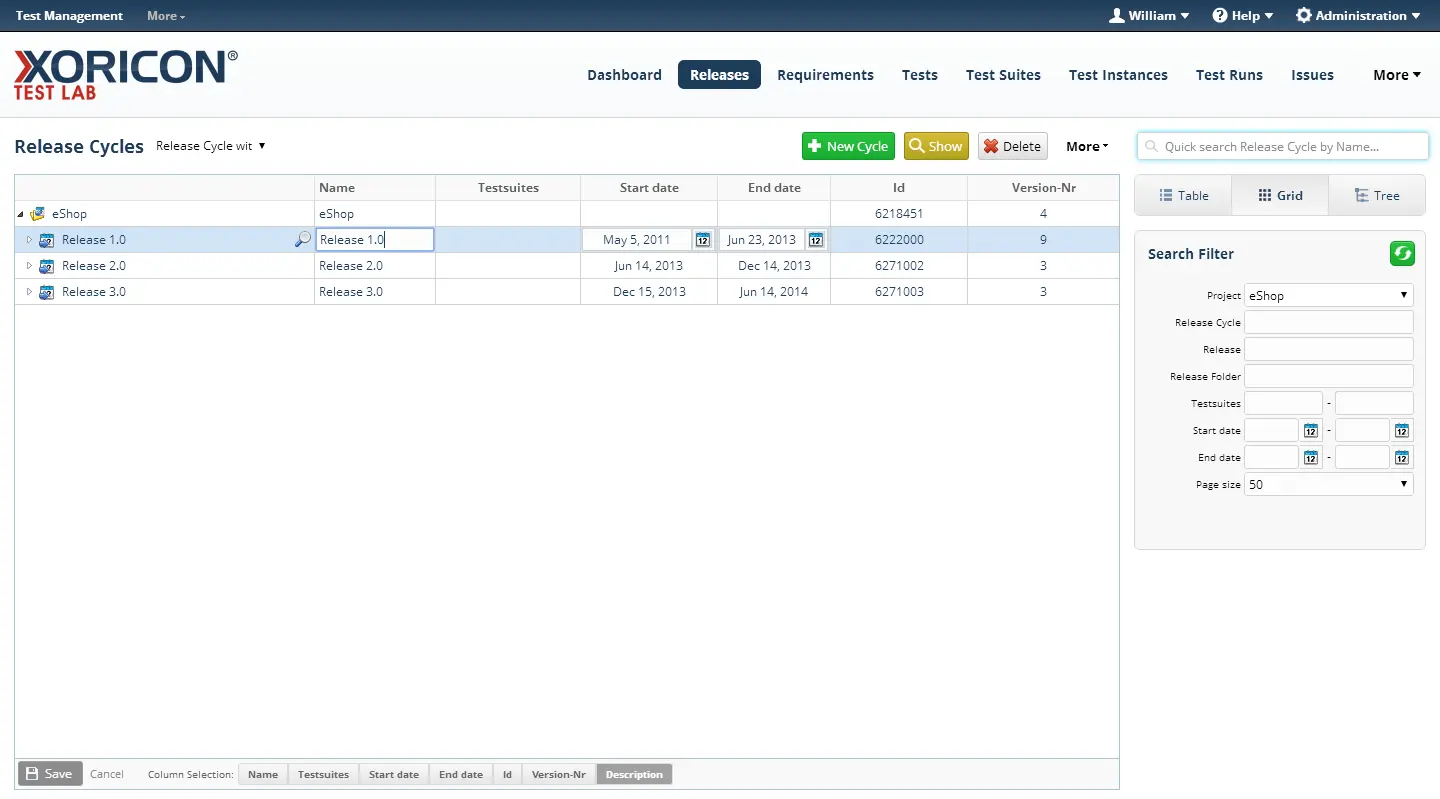
Requirements and issues can be assigned to releases or cycles. Status, priority, and coverage information help teams evaluate maturity and open risks for a planned delivery scope.
Application views
Related products
More applications from the same product family.
XORICON TestQA
TestQA connects reusable test cases, requirements, releases, issues, branches, and baselines in a structured ALM tool for traceable quality management.
XORICON Requirements
Requirements helps teams manage business, product, and technical requirements hierarchically, track changes, and connect them to releases, issues, or other objects.
XORICON IssueTracker
IssueTracker helps teams capture, prioritize, filter, and track defects, tasks, service requests, change requests, and ideas.
Could this product fit your initiative?
Let us discuss the use case, existing processes, and the right next step.