 Xoricon Toolbox
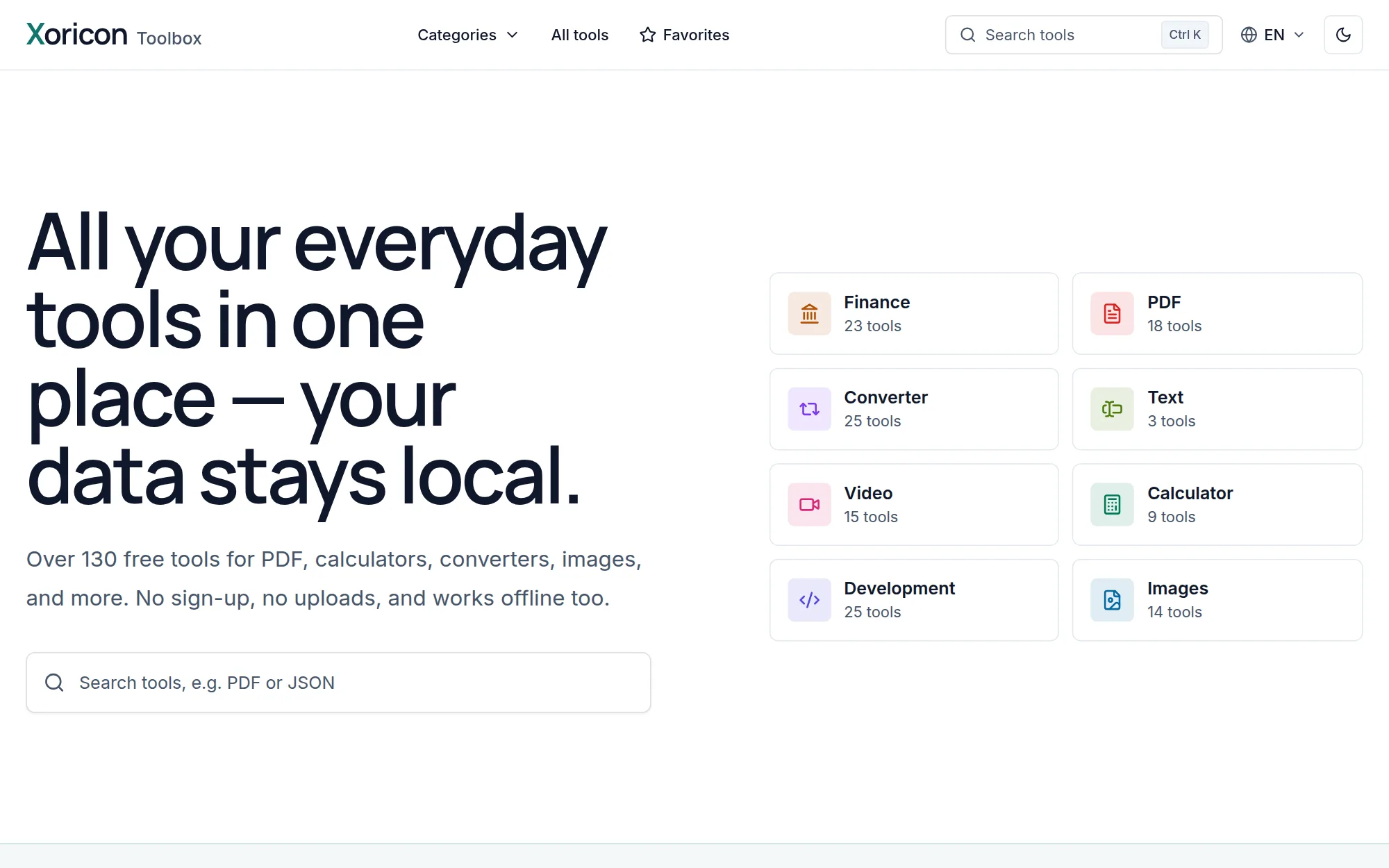
Over 130 free browser tools for PDFs, images, text, calculators, and more – the central search gets you to the right tool in seconds.
- Data stays on your own device
- Works offline after the first visit
- Free, no sign-up
Free tools for everyday tasks – and specialized software for quality, testing, and development processes in companies.
Xoricon ToolboxOver 130 free browser tools for PDFs, images, text, calculators, and more – the central search gets you to the right tool in seconds.
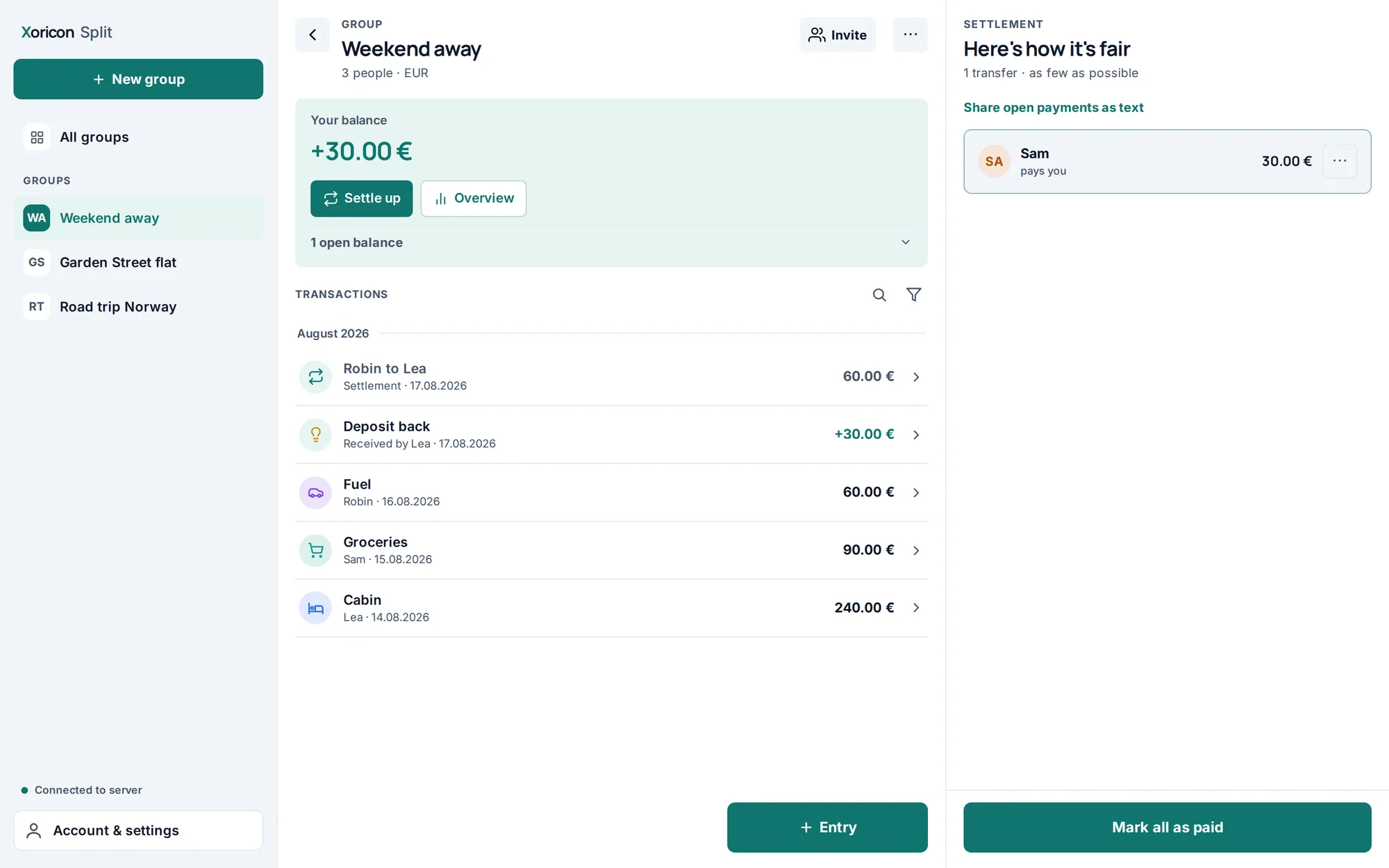
 Xoricon Split
Share group expenses fairly – for trips, flatshares, or club funds. Split works out who owes whom, with as few transfers as possible.
For QA, development, and product teams that need traceable control of requirements, tests, releases, and defects – from a platform for custom business applications to load testing.
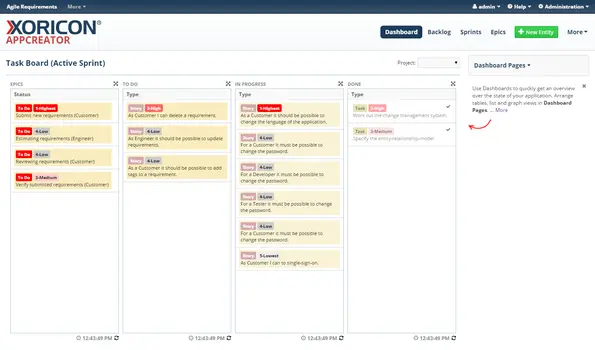
Foundation for custom online database and business applications.
Configure your own business applications instead of programming them.
Tools for traceable quality assurance, requirements, test management, and issue processes.
TestQA or TestLab? TestQA for ALM with branches, baselines, and release comparison; TestLab focuses on test execution, requirement engineering, and QA dashboards.
Application lifecycle management with tests, requirements, and versions.
Test case management and requirement engineering for QA teams.
Requirements management for structured specifications.
Issue and ticket tracking for tasks, defects, and requests.
Specialized tools for UI automation as well as load and stress testing. Both tools are used on a project basis with support from Xoricon.
GUI automation for Java Swing applications.
Test drivers for load and stress tests based on real server calls.
The Xoricon Toolbox is free to use - no sign-up and no hidden costs.
No. Every tool processes inputs and files directly in the browser on your own device; no files are uploaded to a server.
Yes. After the first visit, Xoricon Toolbox tools keep working without an internet connection.
Both applications support test case management and requirements coverage. XORICON TestQA adds branches, baselines, and release comparison features for full application lifecycle management, while XORICON TestLab focuses on test execution, requirement engineering, and personalized dashboards with spreadsheet exports.
Xoricon's enterprise applications are not offered as fixed-price, self-service products. Get in touch through the contact page to discuss the use case, scope, and terms.
Xoricon hosts and operates the enterprise applications. Your team works directly in the browser; no installation of your own is needed. XORICON GuiPerformer and XORICON LoadPerformer are used on a project basis with support from Xoricon.
Yes. Xoricon shows the applications in a live demo and sets up a test account on request. Both can be requested through the contact page.
Didn't find your question? Write to us
We show you the product in a live demo, set up a test account on request, and clarify scope and terms.