XORICON Requirements
Requirements management for structured specifications.
Requirements helps teams manage business, product, and technical requirements hierarchically, track changes, and connect them to releases, issues, or other objects.
XORICON Requirements
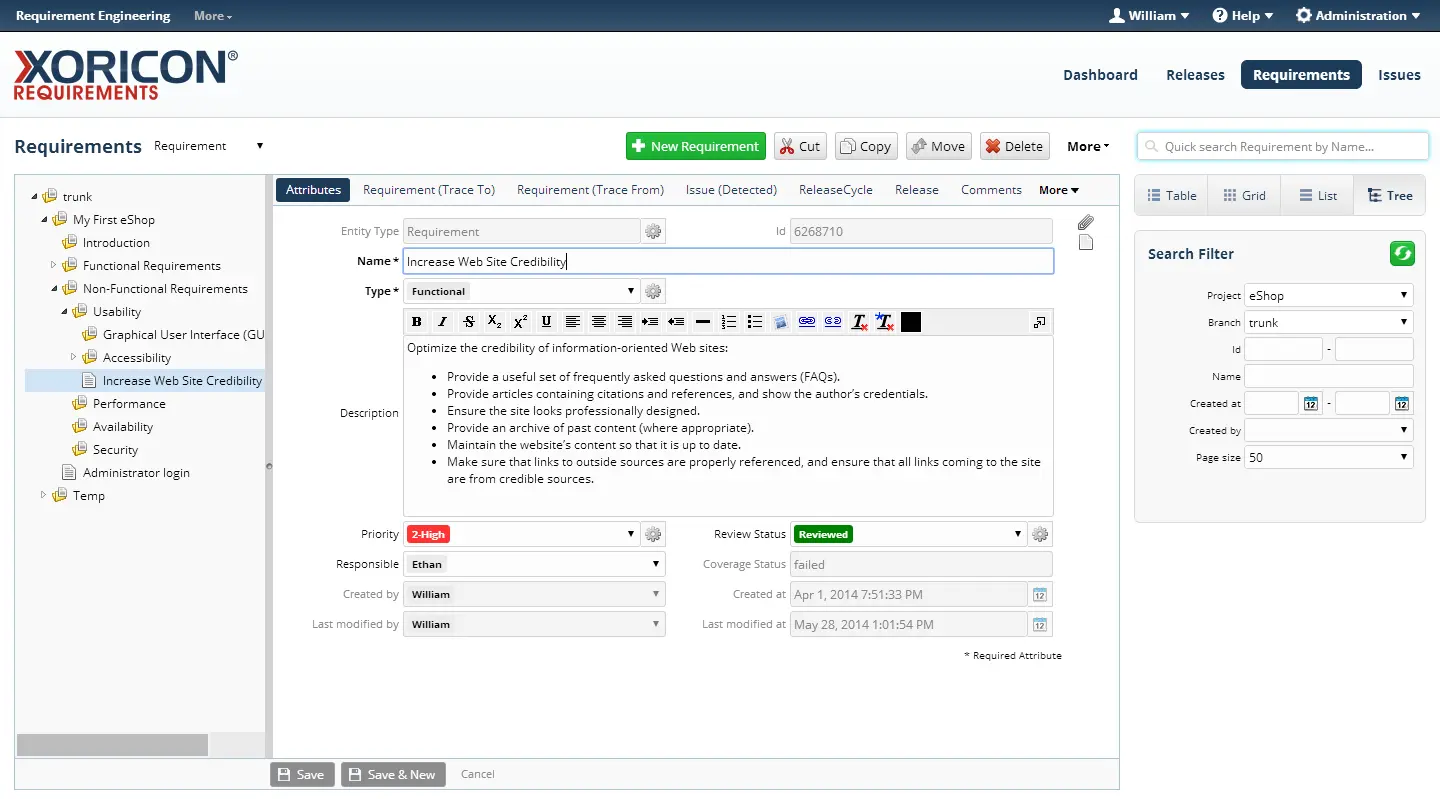
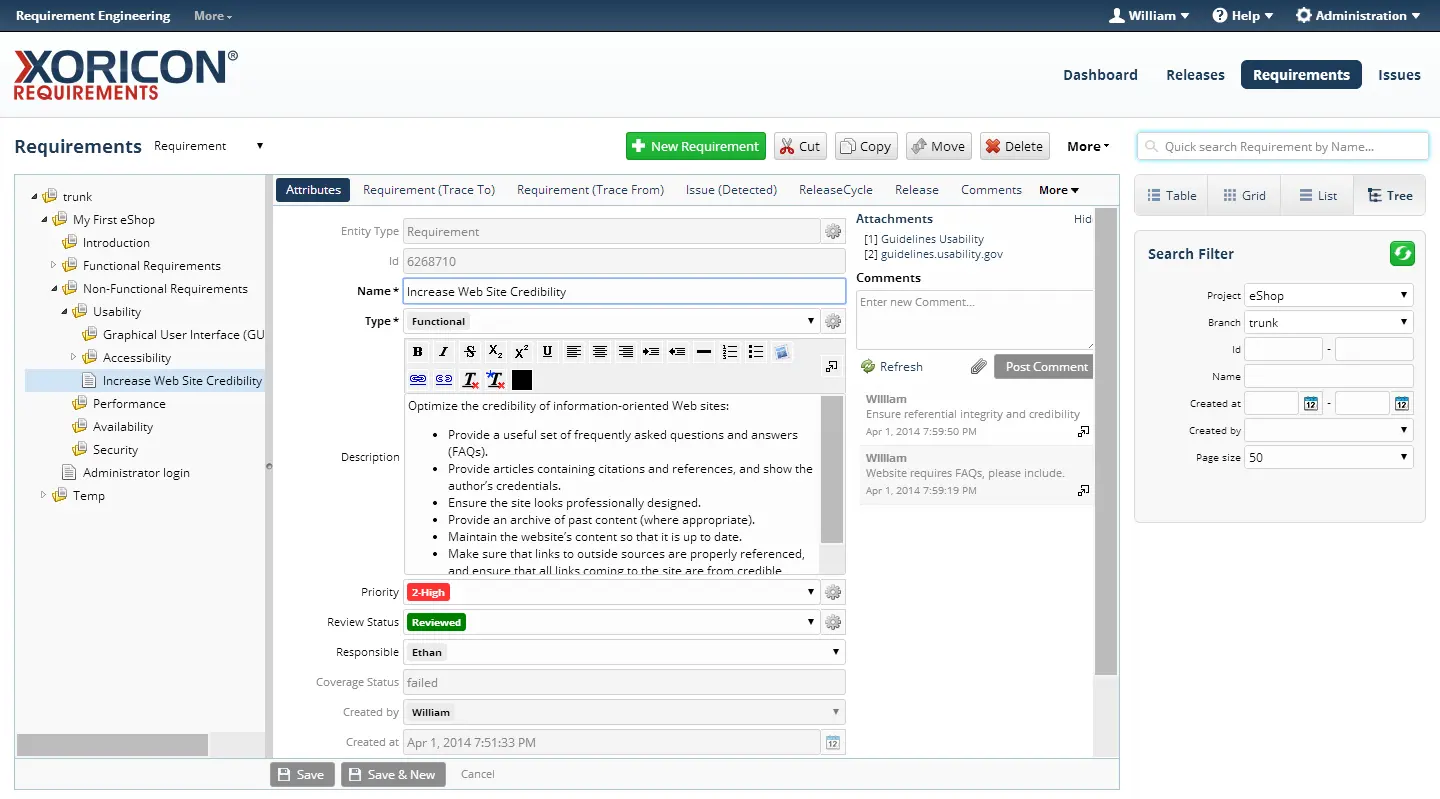
Product interface — XORICON Requirements
Business analysis and product teams
Development teams with formal specifications
Organizations with traceability requirements
What the product covers
The core functional areas in a compact overview.
Structure requirements
Requirements can be organized in trees, described with rich text, and enriched with attributes, attachments, comments, links, and custom fields.
Create traceability
Links between requirements and to releases, issues, or other objects make the impact of changes visible and support impact analysis.
Track changes
Versions, comparison views, and change history support transparent review and verifiable specification states.
Prepare releases
Release links and reporting help teams prioritize requirements, identify open items, and plan agreed delivery scopes.
Use views and search
Master-detail views, tree views, tables, lists, and quick search support work with large specifications.
Automate processes
Workflow rules, state transitions, email notifications, and automatic field updates help control reviews, approvals, and changes.
In detail
Functional and technical aspects that matter in practical use.
Application views
Selected views from the existing product interface.
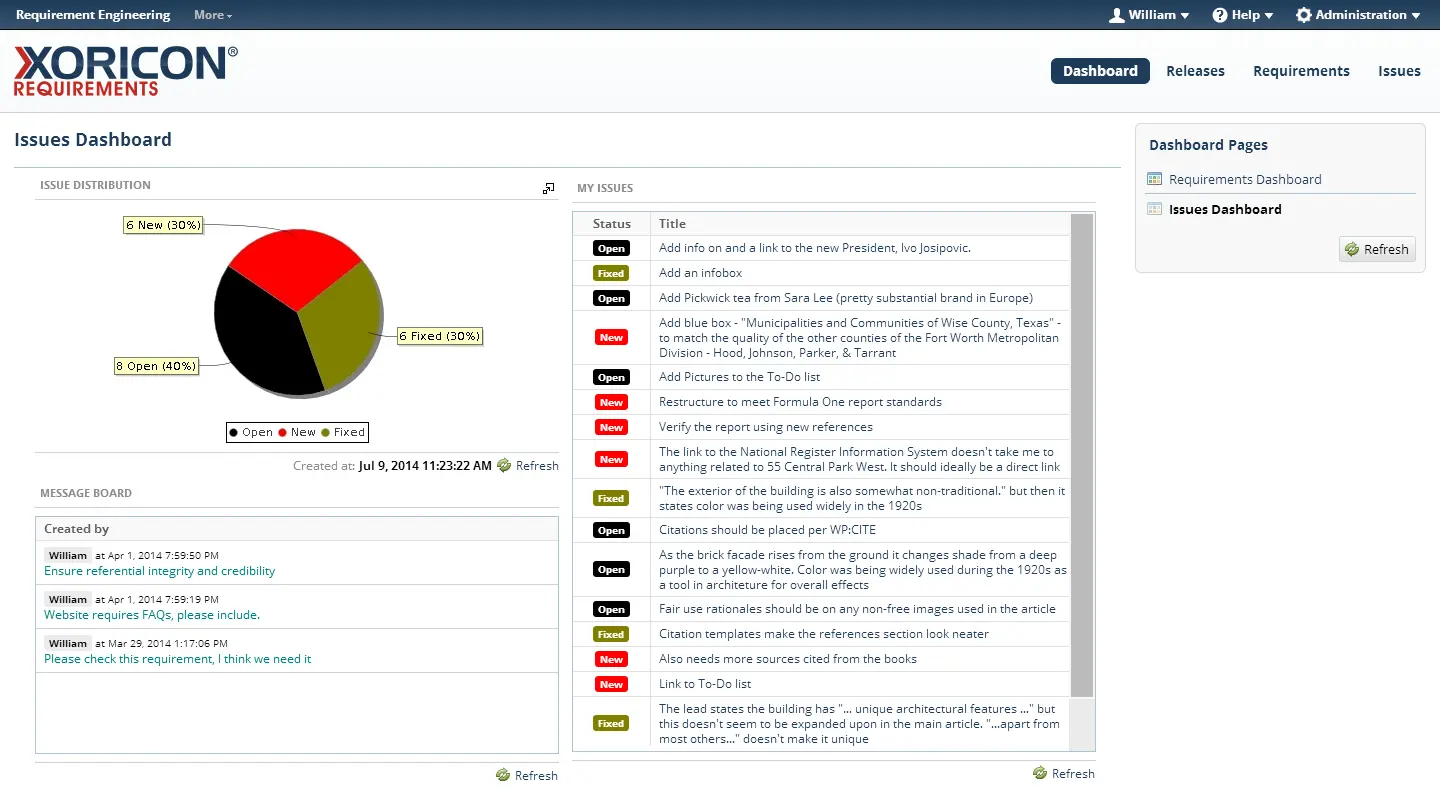
Reports
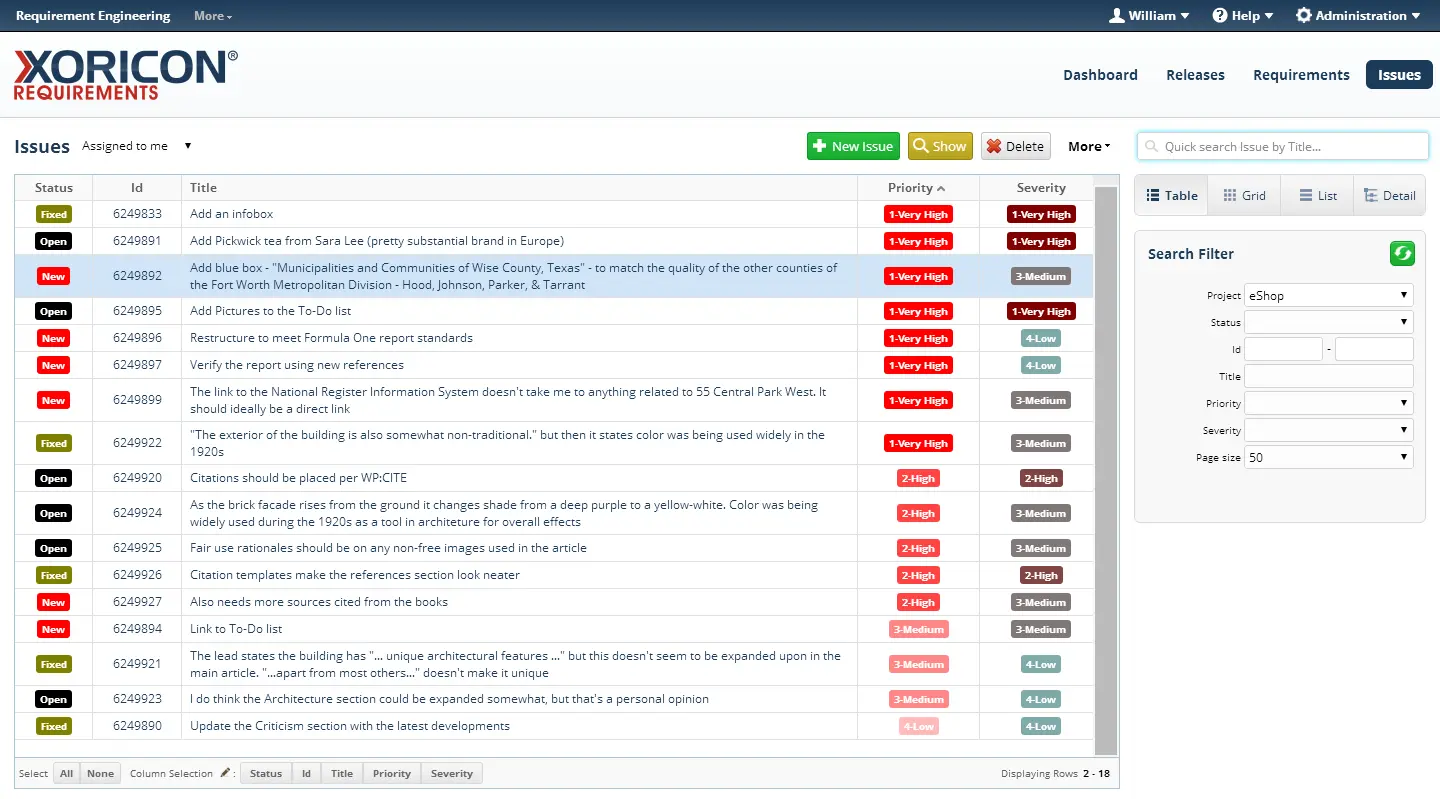
Issues
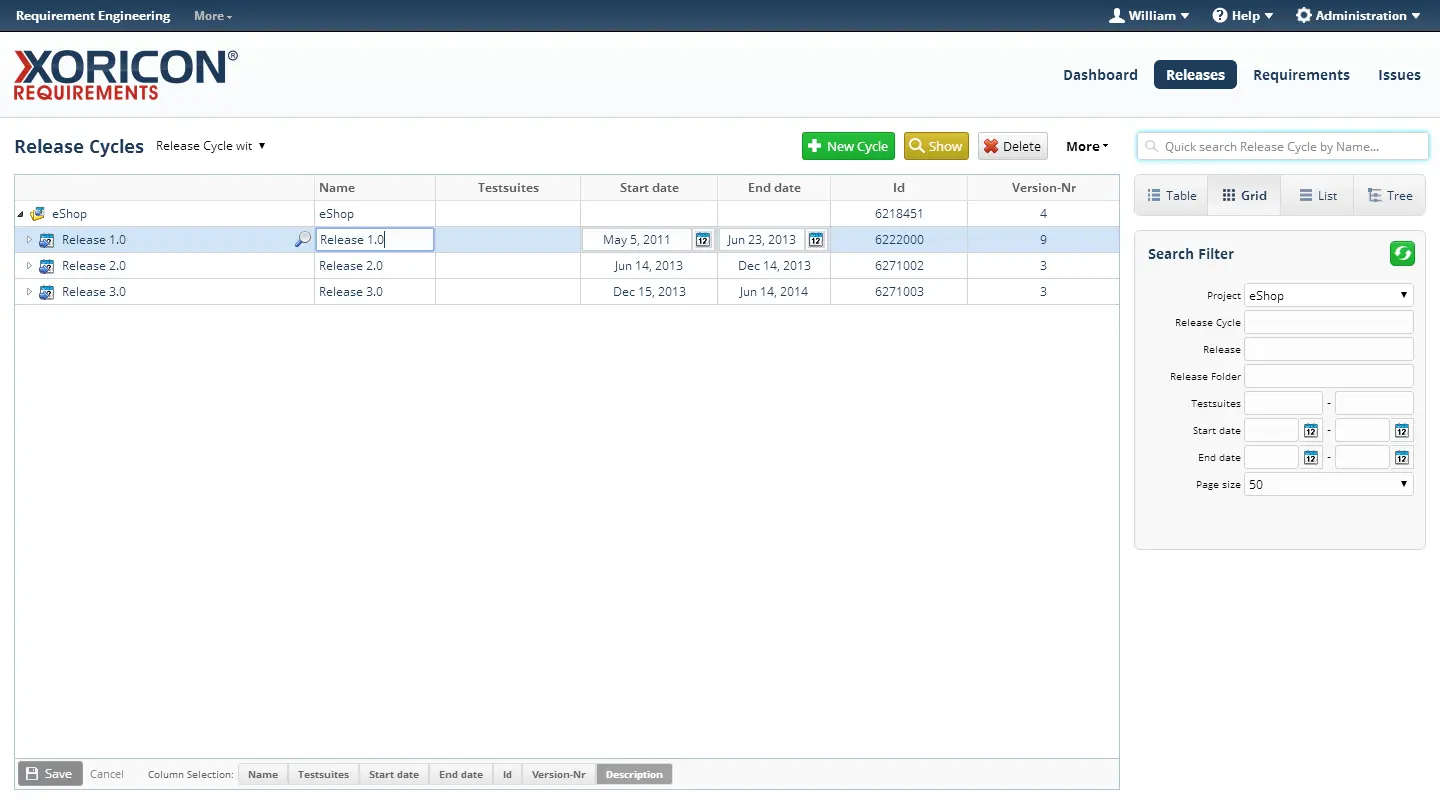
Releases
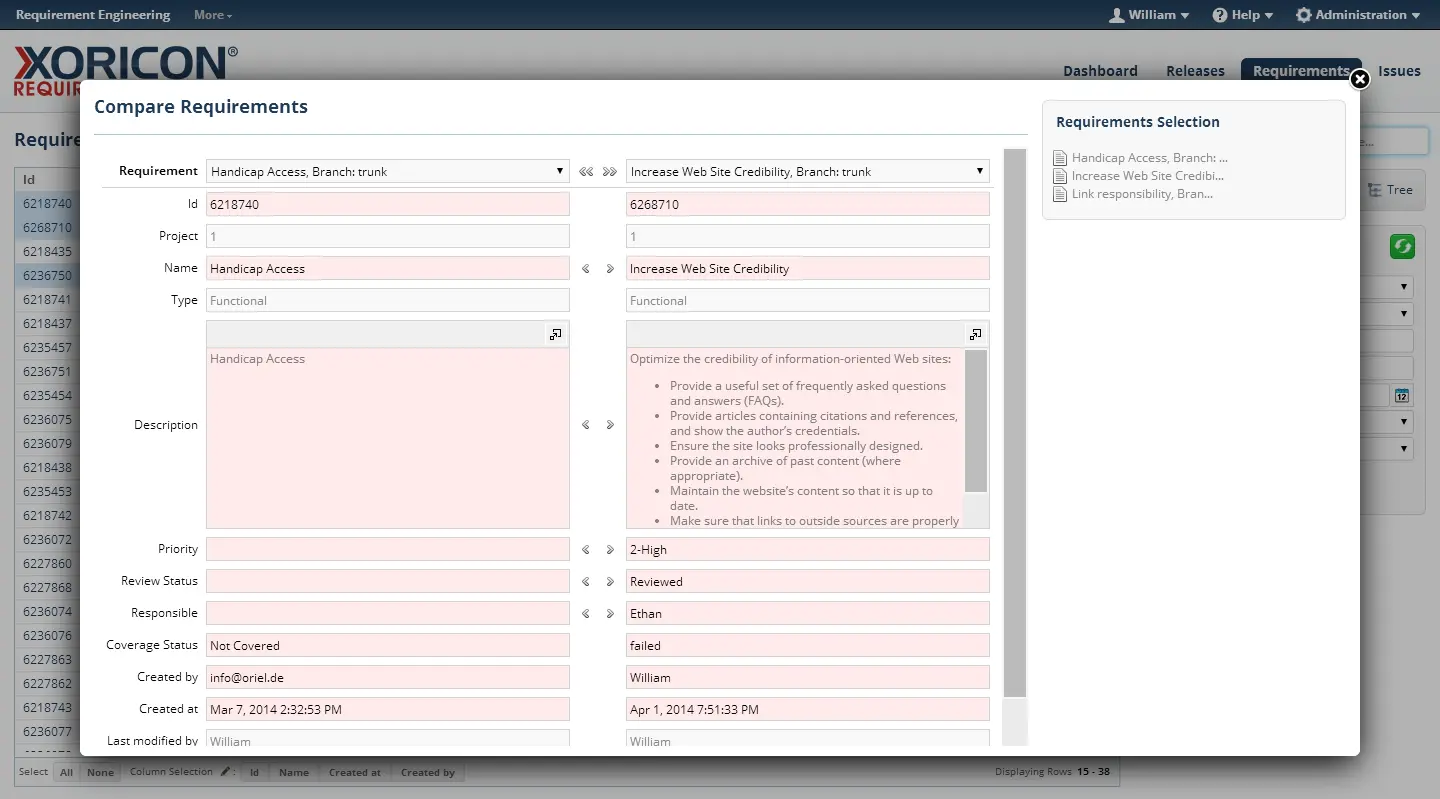
Comparisons
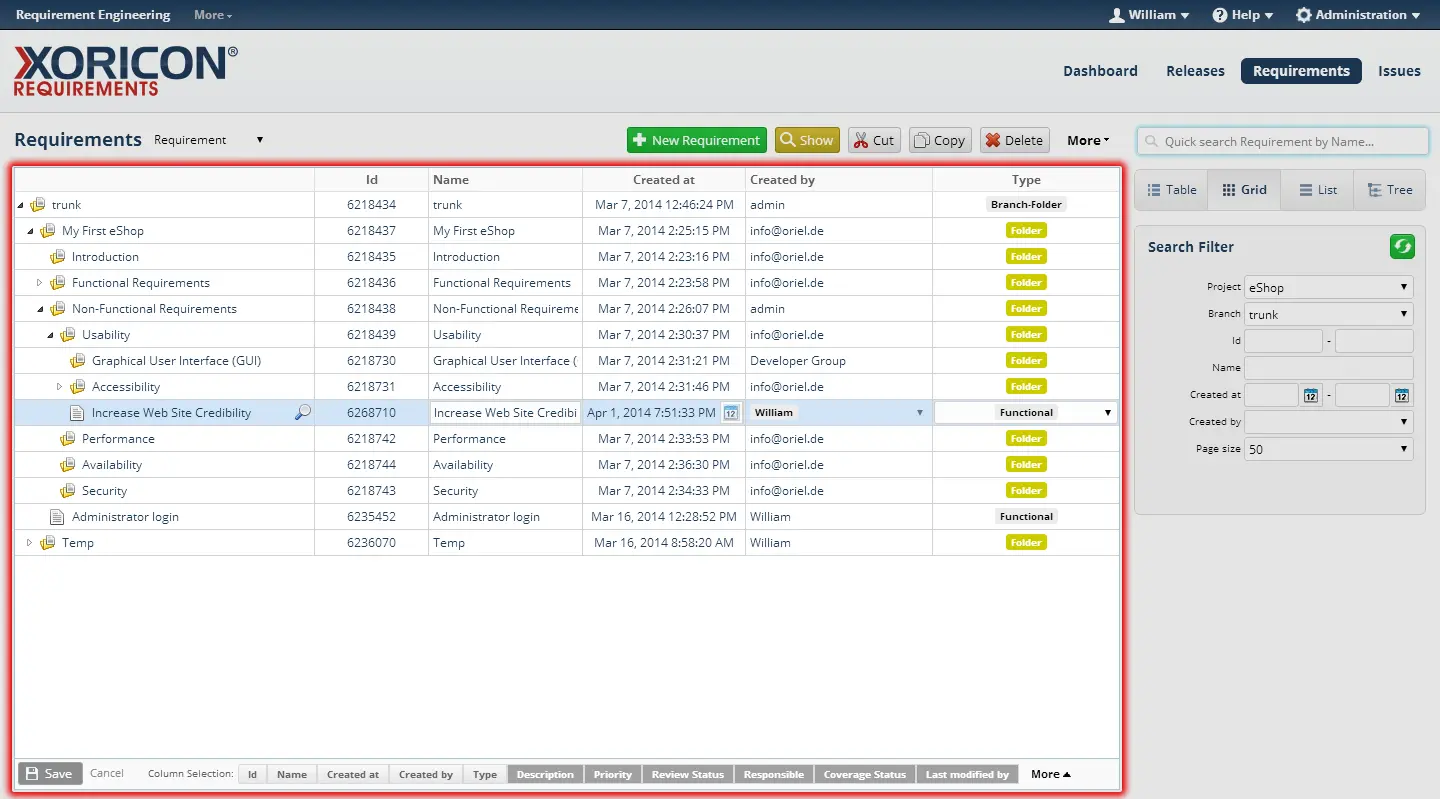
Grid views
Typical use cases
Scenarios where the product can apply its strengths.
Building structured requirement specifications
Impact analysis for functional changes
Release-based planning and tracking of requirements
Review and approval processes with automated notifications
Traceability between requirements, issues, releases, and custom objects
Frequently asked questions
Compact answers that explain the product and suitable use cases.
What is XORICON Requirements?
Requirements helps teams manage business, product, and technical requirements hierarchically, track changes, and connect them to releases, issues, or other objects.
Who is XORICON Requirements for?
XORICON Requirements is primarily built for Business analysis and product teams, Development teams with formal specifications, Organizations with traceability requirements.
Which capabilities does XORICON Requirements cover?
XORICON Requirements covers capabilities including Structure requirements, Create traceability, Track changes, Prepare releases, Use views and search, Automate processes.
What are typical use cases for XORICON Requirements?
Typical use cases are Building structured requirement specifications, Impact analysis for functional changes, Release-based planning and tracking of requirements, Review and approval processes with automated notifications, Traceability between requirements, issues, releases, and custom objects.
Related products
More applications from the same product family.
XORICON TestQA
TestQA connects reusable test cases, requirements, releases, issues, branches, and baselines in a structured ALM tool for traceable quality management.
XORICON TestLab
TestLab supports planning, structuring, executing, and evaluating tests with requirements, test suites, issues, release context, reports, and dashboards.
XORICON IssueTracker
IssueTracker helps teams capture, prioritize, filter, and track defects, tasks, service requests, change requests, and ideas.
Could this product fit your initiative?
Let us discuss the use case, existing processes, and the right next step.