In the browser
Any phone, also as a web app
No limits: unlimited groups and expenses – free, no ads, no sign-up.
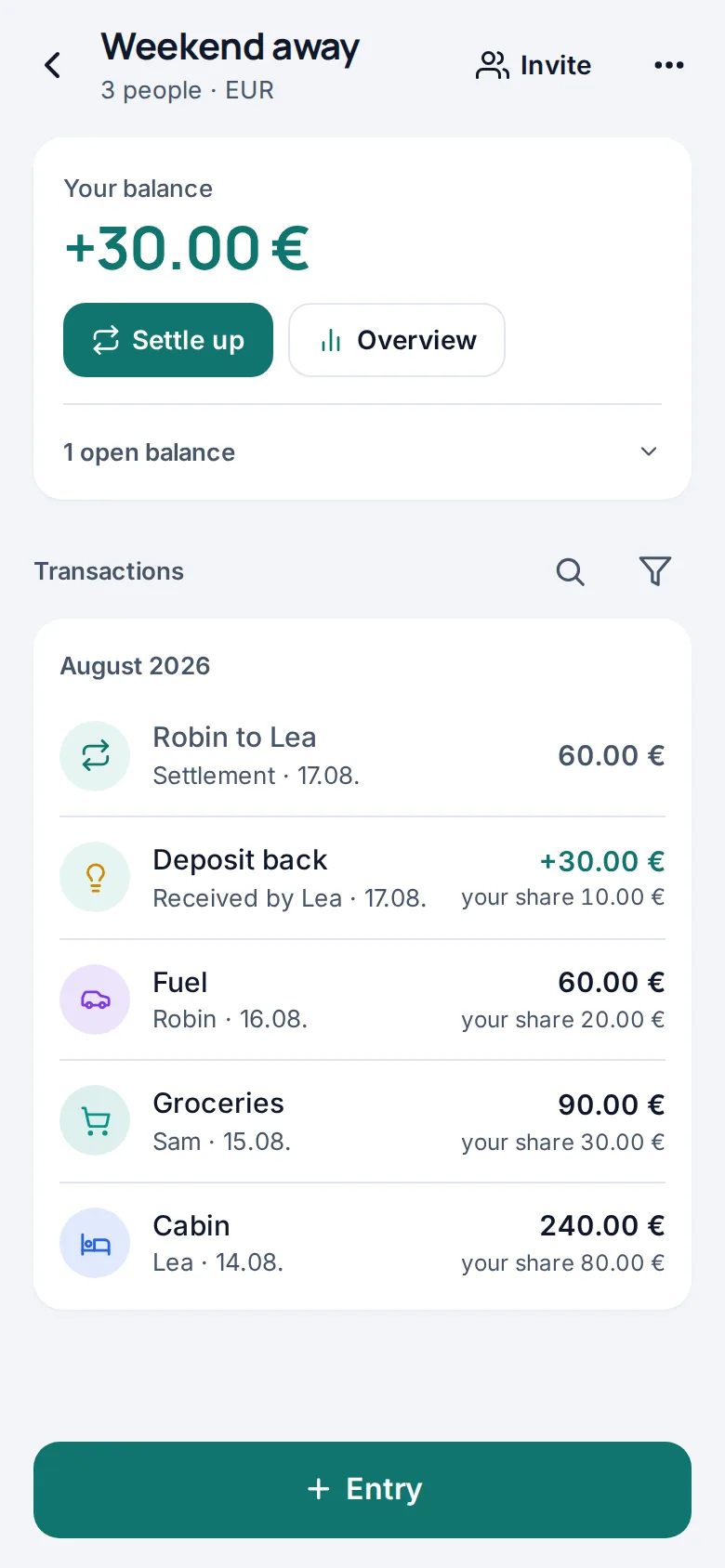
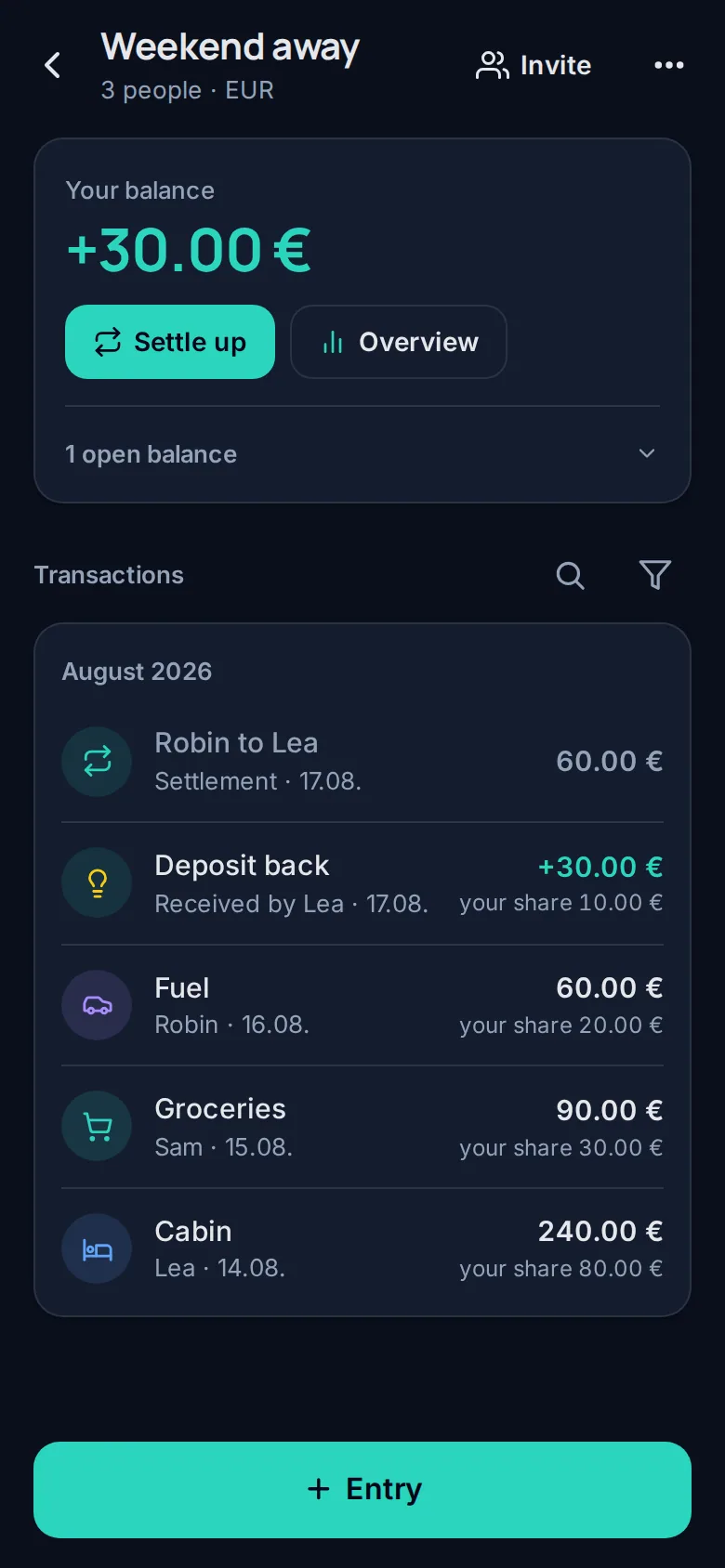
The features at a glance. Almost everything is free, Premium is marked.
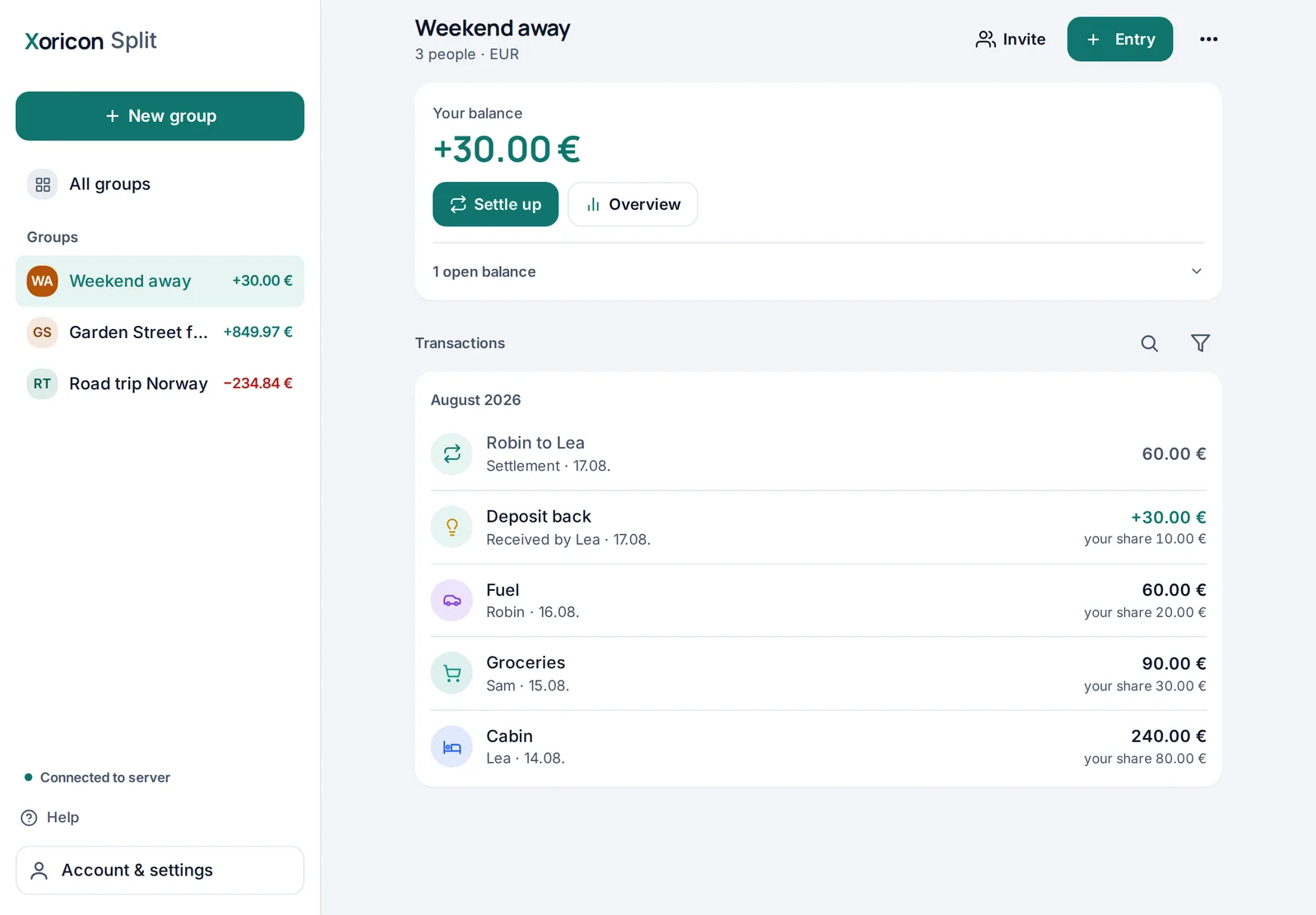
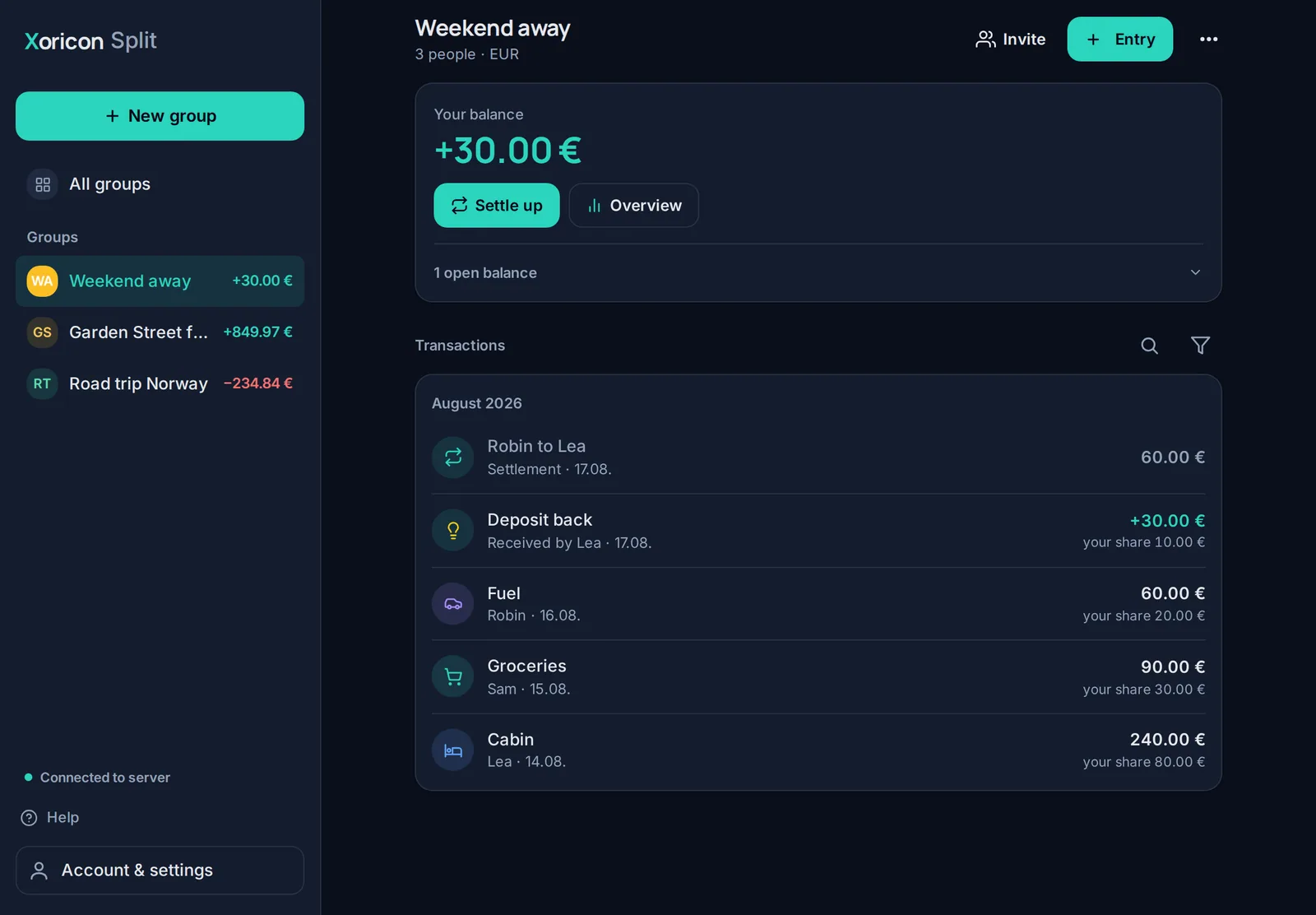
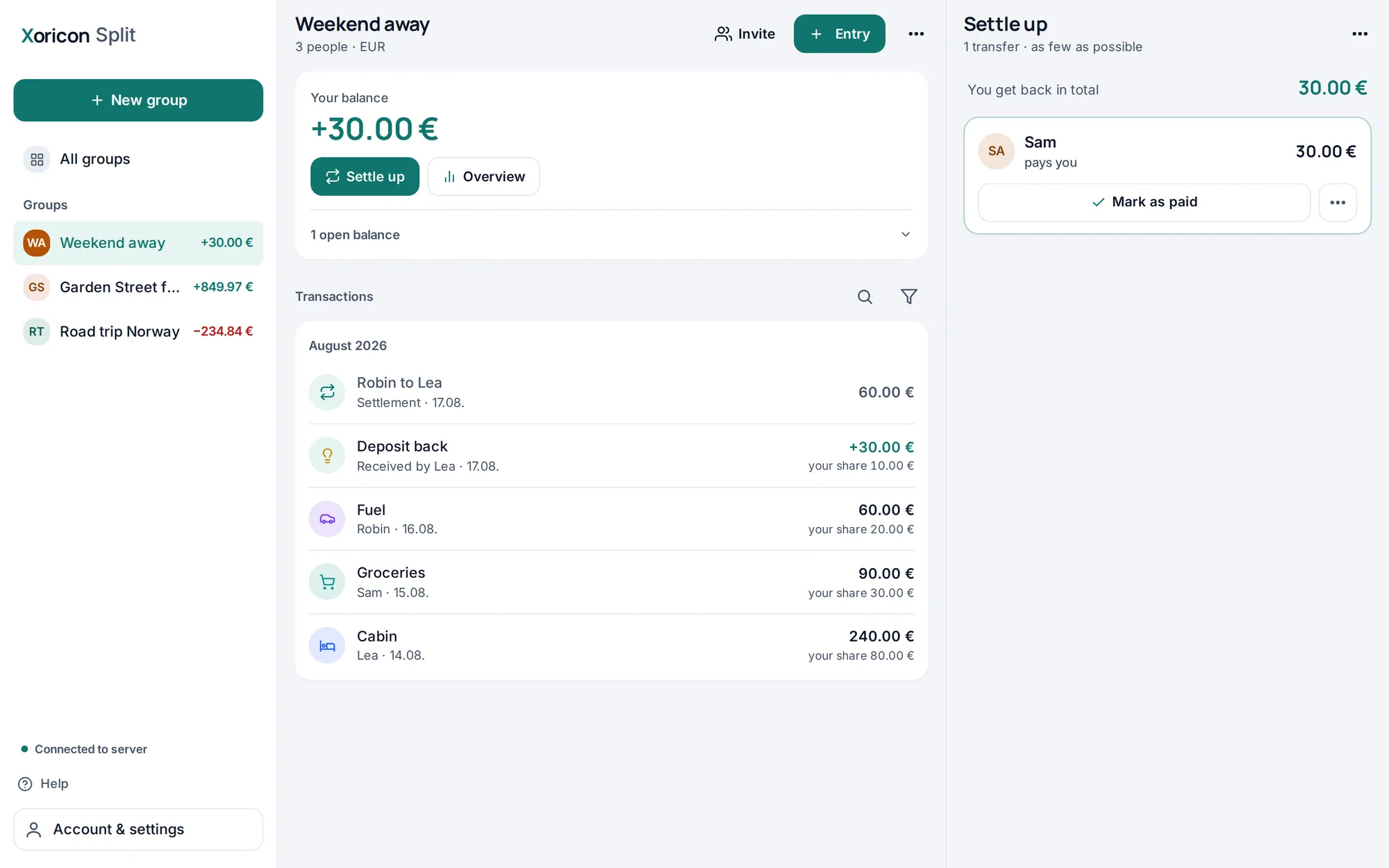
Everything the group pays for or gets back.
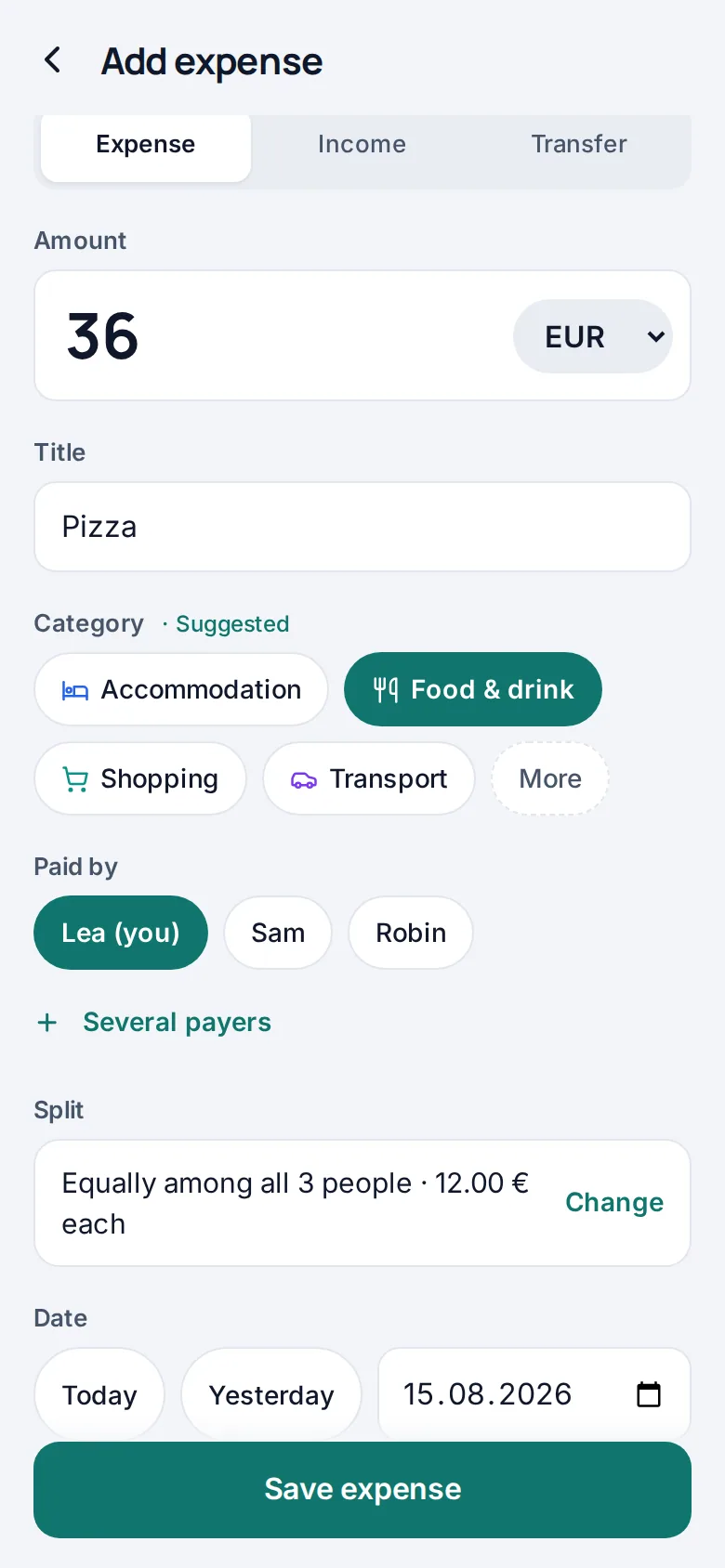
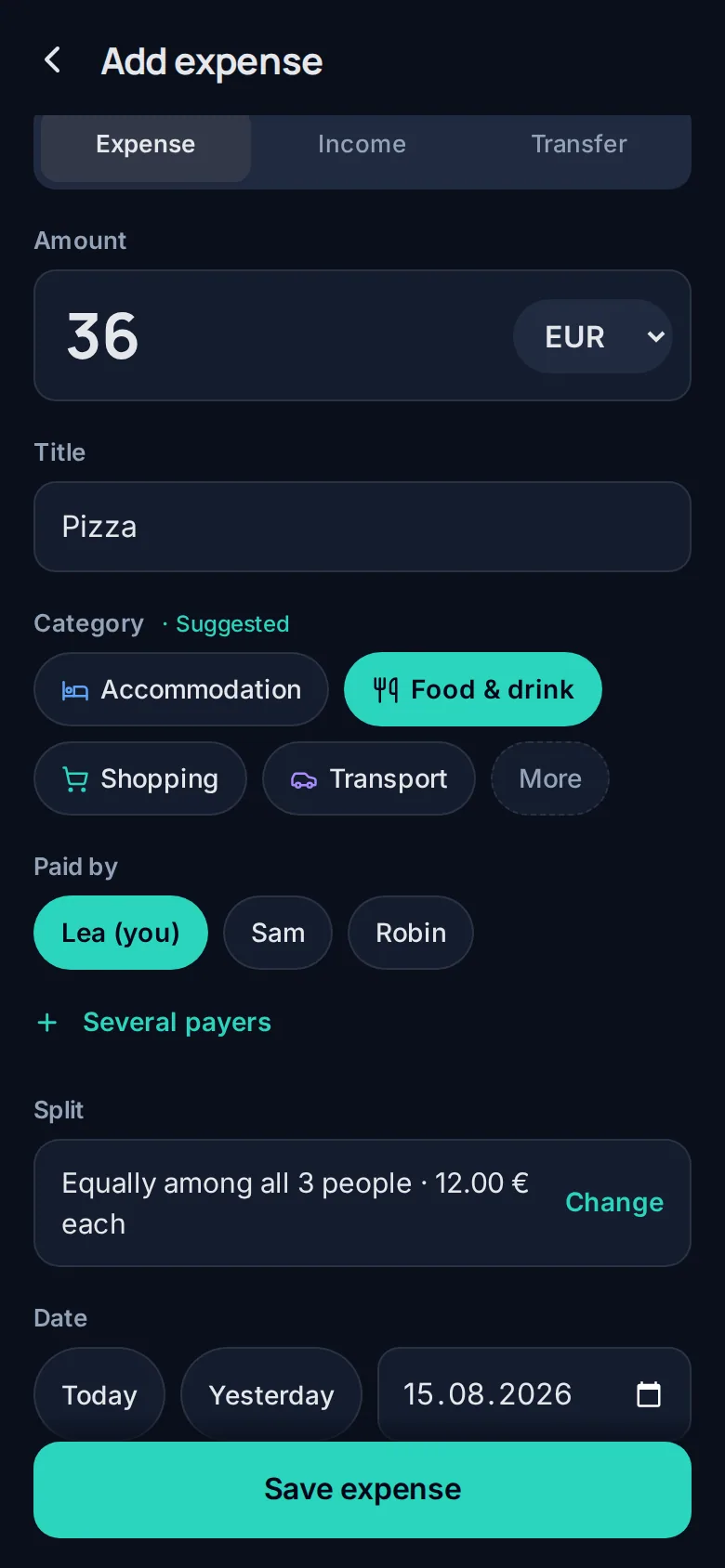
The way that suits your group – to the cent.
In the end everyone pays exactly what is open.
Everyone joins in no time – on any device.
Three steps – from the first expense to settling up.
Name the group and add everyone involved. Then share the group link or send each person their own – or simply record expenses for everyone yourself.
Whoever pays adds it, even offline. Split it equally, by shares or with fixed amounts.
Split shows who pays whom and how much – with as few transfers as possible. You pay outside Split, then tick it off.
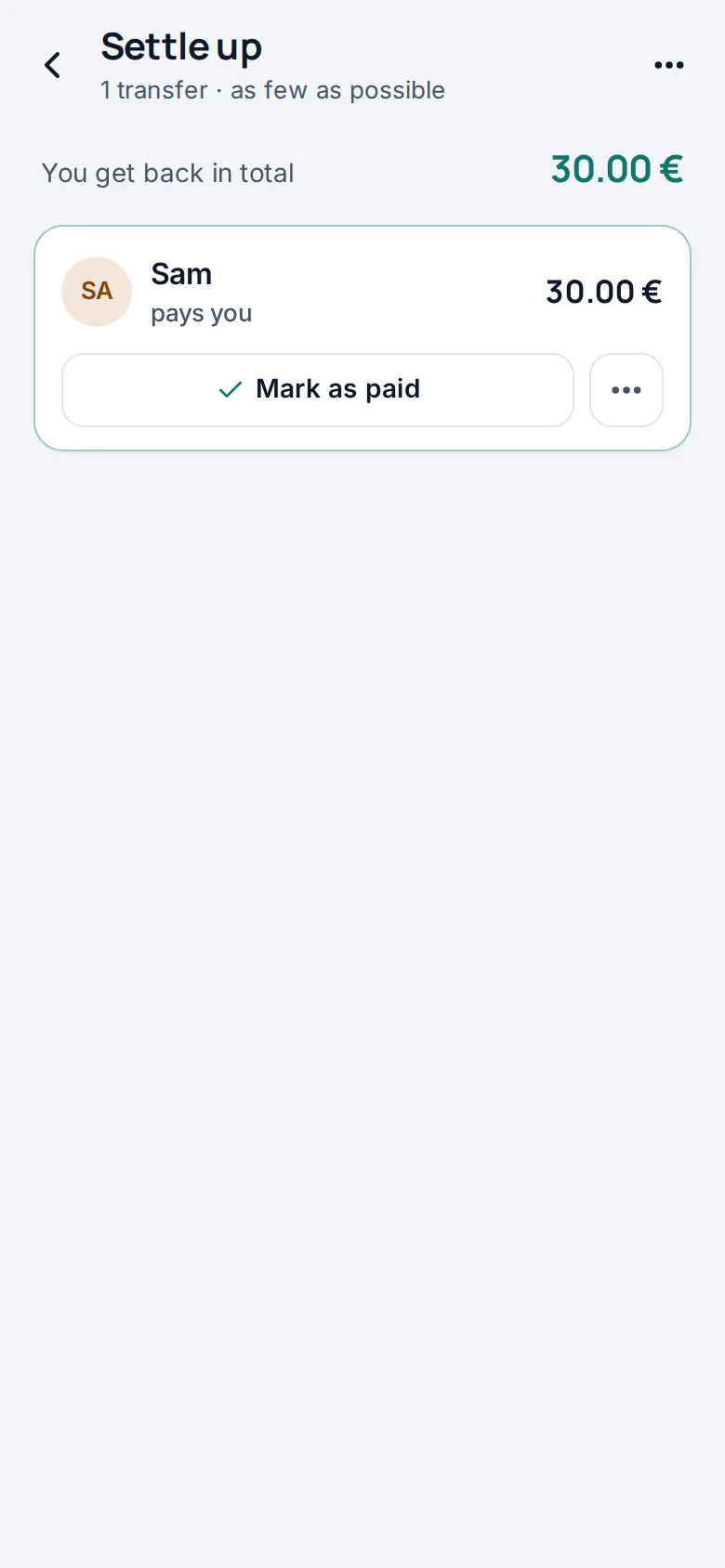
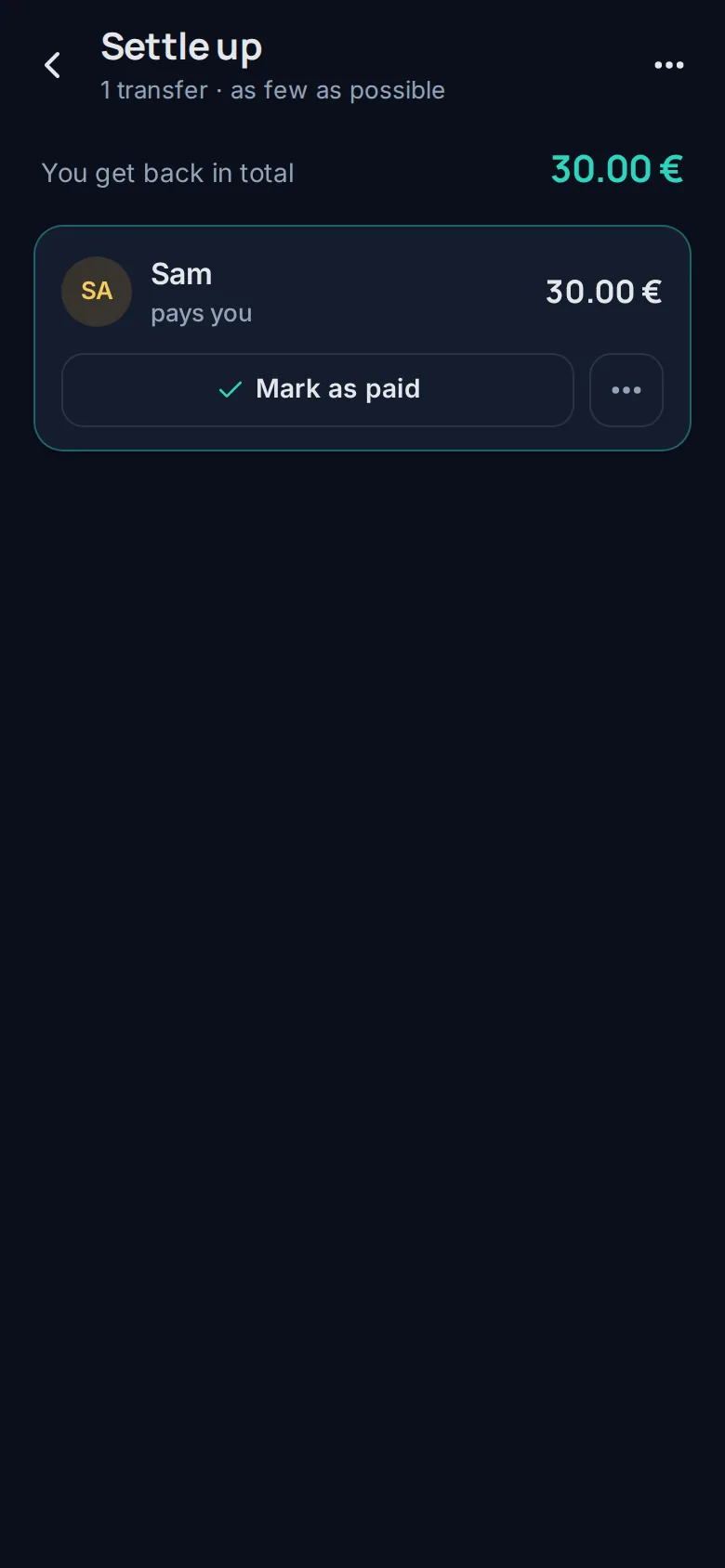
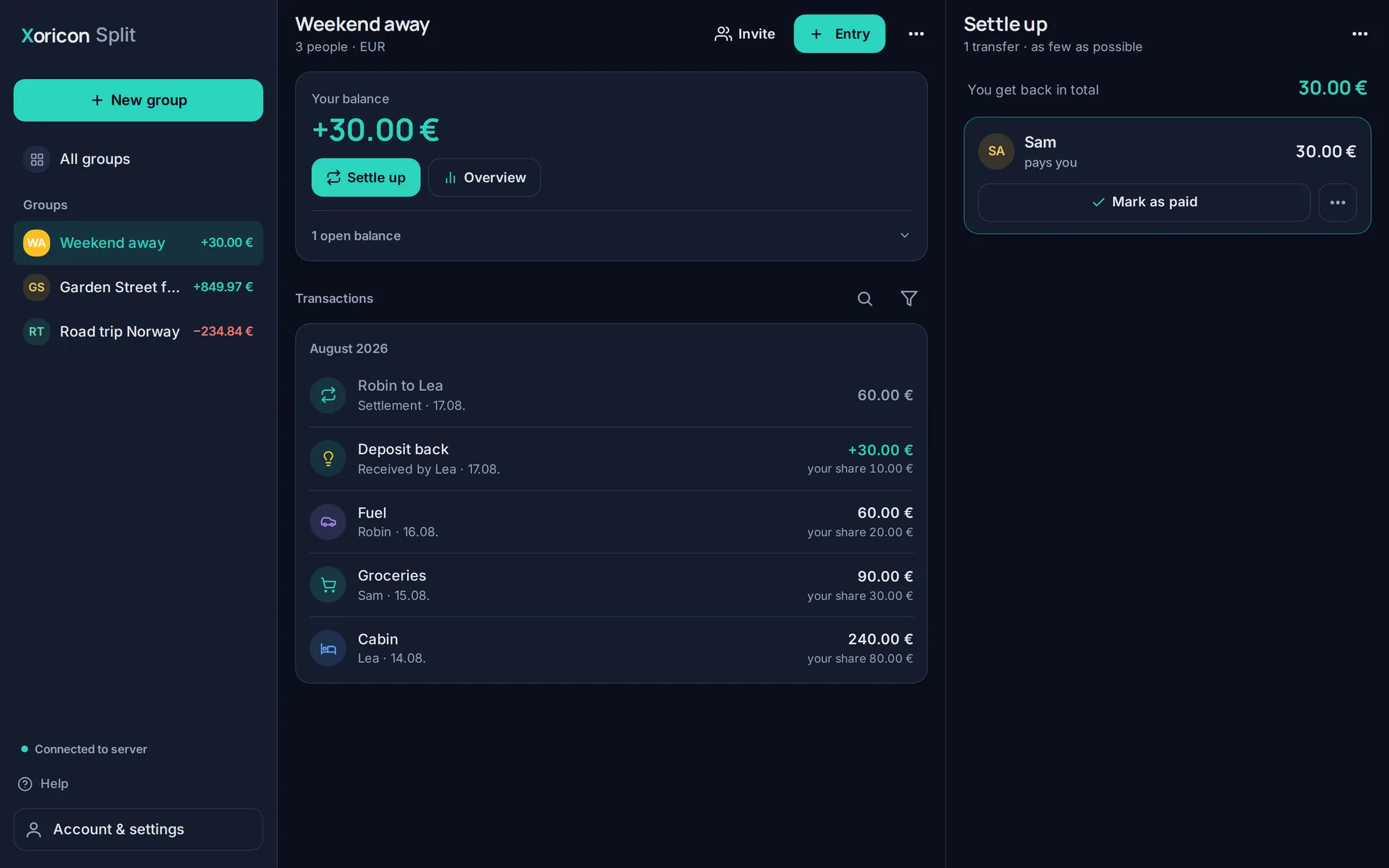
Split fits the screen. Pick a device and see the same group.
Scan the code with your phone camera – as an app from the store or right in the browser.As an app from the store or right in the browser – with the same groups everywhere.
Any phone, also as a web app
 Once installed, you'll find Split on your home screen with this icon.
Apps for iPhone, iPad and Android from the App Store and Google Play: coming soon.
Pick your occasion – Split suggests a matching name and template.
Everything for splitting and settling is free. Premium comes for one group or for all your groups – one person pays, everyone in them benefits.
€0forever
Everything a group needs to split and settle up.
€2.99once per group
One group
Unlocks Premium for one group – for every member.
€9.99per year
All your groups
Premium in every group you're a member of – plus export.
€29.99once
All your groups
Like the yearly plan, but paid once and never expires.
Your question isn't here? Write to us
No. You start a group right in the app. Expenses and settlements are stored on your device first.
No. You can add everyone yourself and record expenses for the whole group – including people who never open Split. Split counts each of them in. Whoever wants to join later uses the link, picks themselves under “I'm …” and takes over their place with all amounts.
No. Even for free you add unlimited groups and expenses – no daily cap and no ads. Premium adds extras such as receipts, several currencies and recurring expenses.
Yes. The easiest way is to settle your current group in your old app and start the next one in Split – with a link everyone joins in a minute. There's no automatic import of existing groups yet.
Yes. Split is an installable web app (PWA). You can add expenses without a connection and carry on later.
Only the people in your group – that is, whoever got the group link. Your data is stored on your devices first and synced encrypted via a server in Frankfurt. Split shows no ads, sells no data and sets no tracking cookies.
No. Payment details are optional. Split works as a shared overview even if you prefer not to share sensitive information.
Split runs right in your browser and can be installed as an app – no ads, no sign-up.