No sign-up
Split expenses without sign up
No email, no password, no account to create: start a group, share the link, done.
- No account to create
- Invitees don't sign up either
- Secure it later if you want
Runs in your browser and installs like an app.
Rather use your phone? Scan the code with your camera.
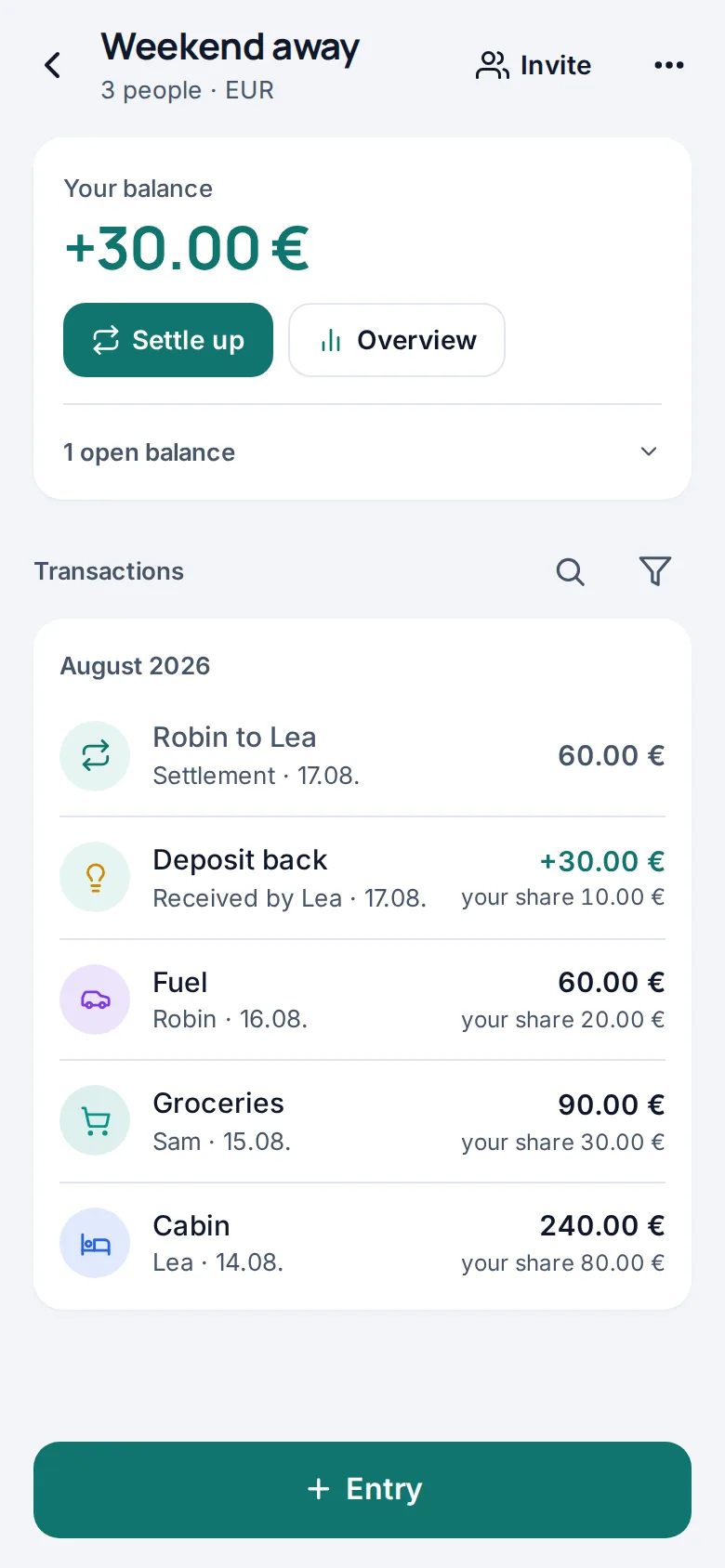
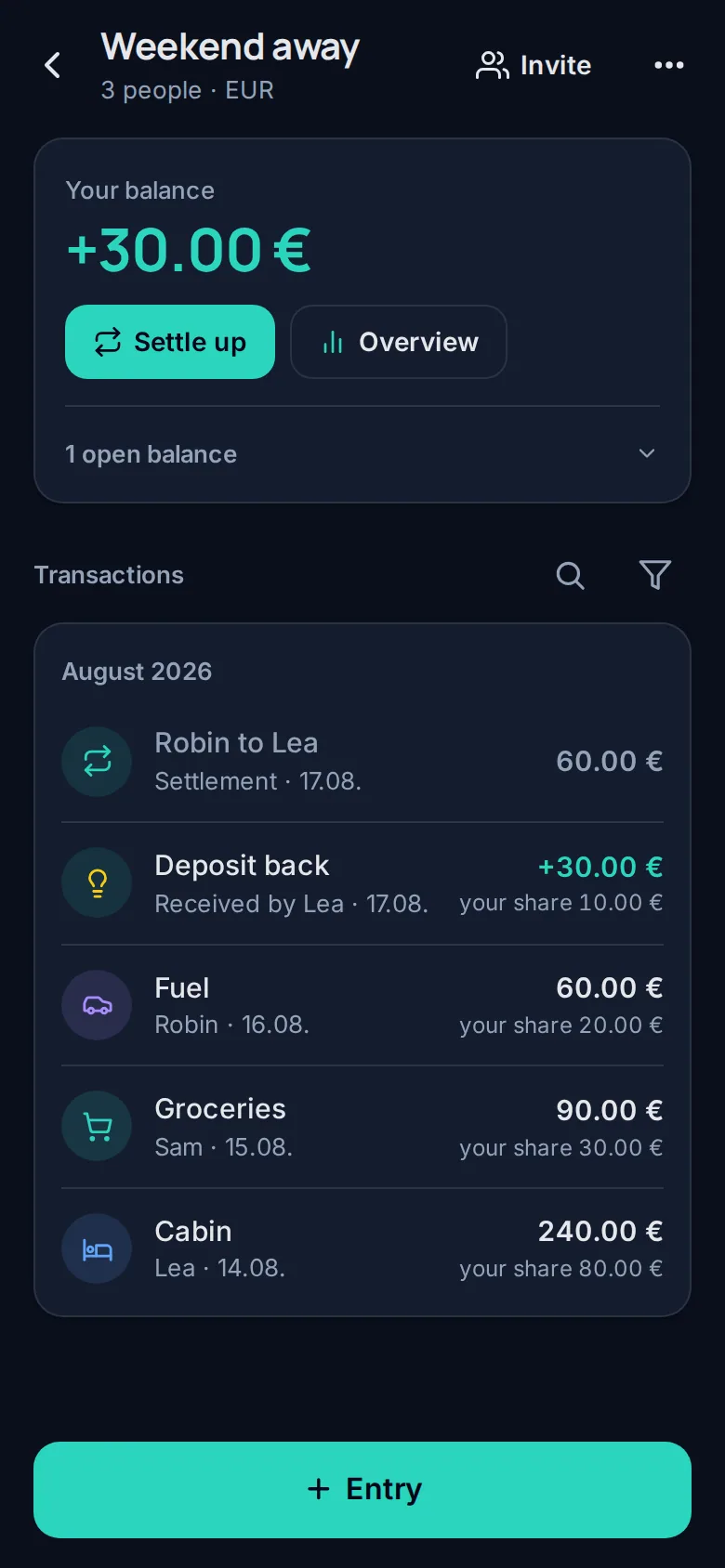
How Split helps
Start without signing up
When you first open Split, it creates an anonymous device account in the background. You enter your name once – no email, no password, no phone number.
Invitees join with a link
Whoever opens your invite link picks “I'm …” from the list of participants and they're in. The others don't need to sign up or install an app either.
Secure it when you need to
If you want to use Split on several devices or switch phones, secure the account with a passkey, with Google or with Apple. Then you get your groups back on any device.
Premium without signing up, tooPremium
The group license belongs to the group, not to a person. You can buy it without signing up first.
Tips
For a single trip or party, the anonymous device account is all you need.
Secure your account before you switch phones or clear your browser storage.
On the iPhone, add Split to your home screen. Then Safari can't delete its data after a week without use.
Frequently asked questions
Your question isn't here? Write to us
What is an anonymous device account?
An account without a name, email or password that Split creates on your device the first time you start it. It lets the server match your entries to your device.
Do the others in the group need an account?
No. Invited people open the link in their browser and pick who they are from the list. Split only creates an anonymous device account for them, too.
What happens if I clear my browser storage?
Then the anonymous device account on that device is gone. If you secured it with a passkey, Google or Apple beforehand, you simply sign in again and get your groups back. The other members keep the group either way.
Ready for your first group?
Split runs right in your browser and can be installed as an app – no ads, no sign-up.
- Start without signing up
- No ads
- Works offline