Premium
What Premium includes
Splitting and settling up is free in Split. Premium unlocks extra features – for a single group or for all your groups. One person pays, everyone in the group benefits.
Last checked: 3 November 2026
Step by step
- 1
Know what Premium unlocks
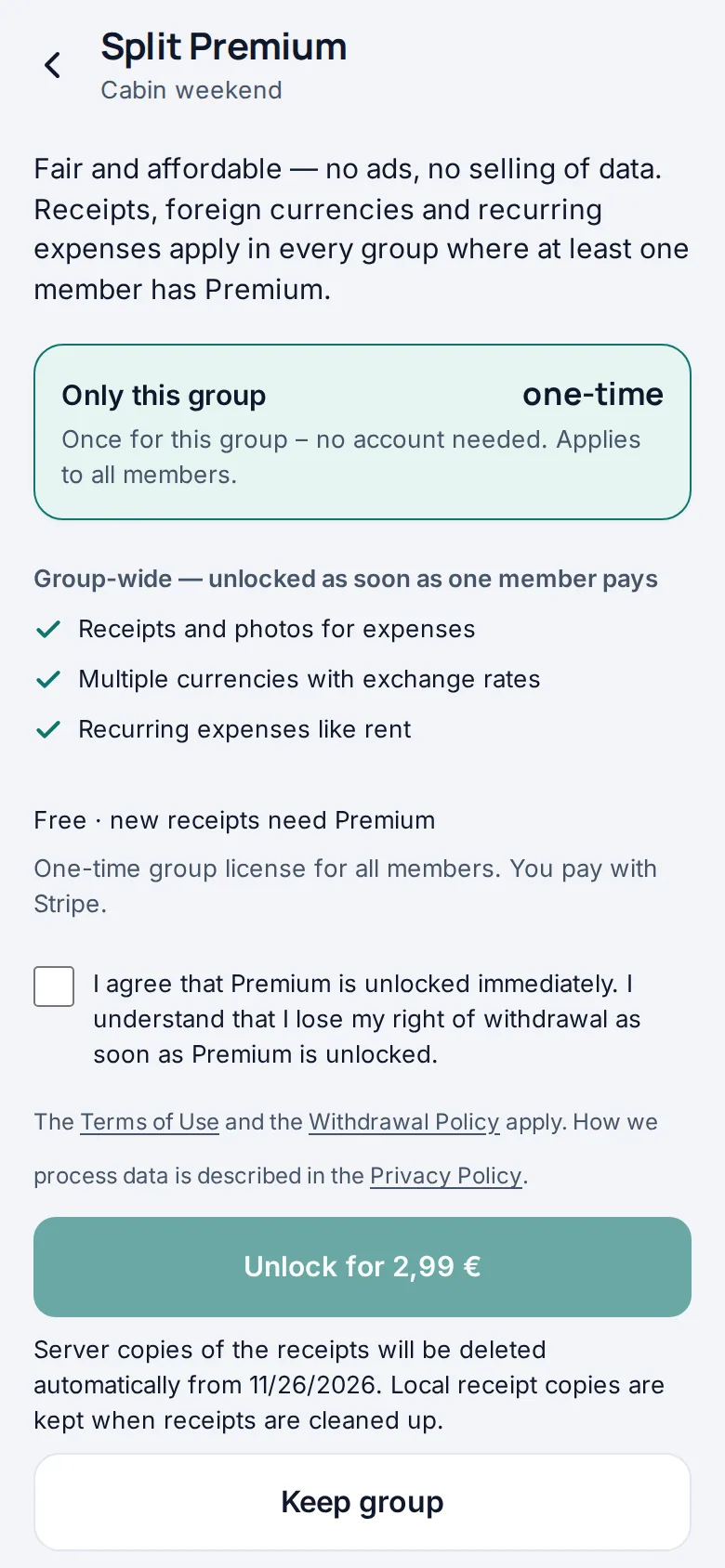
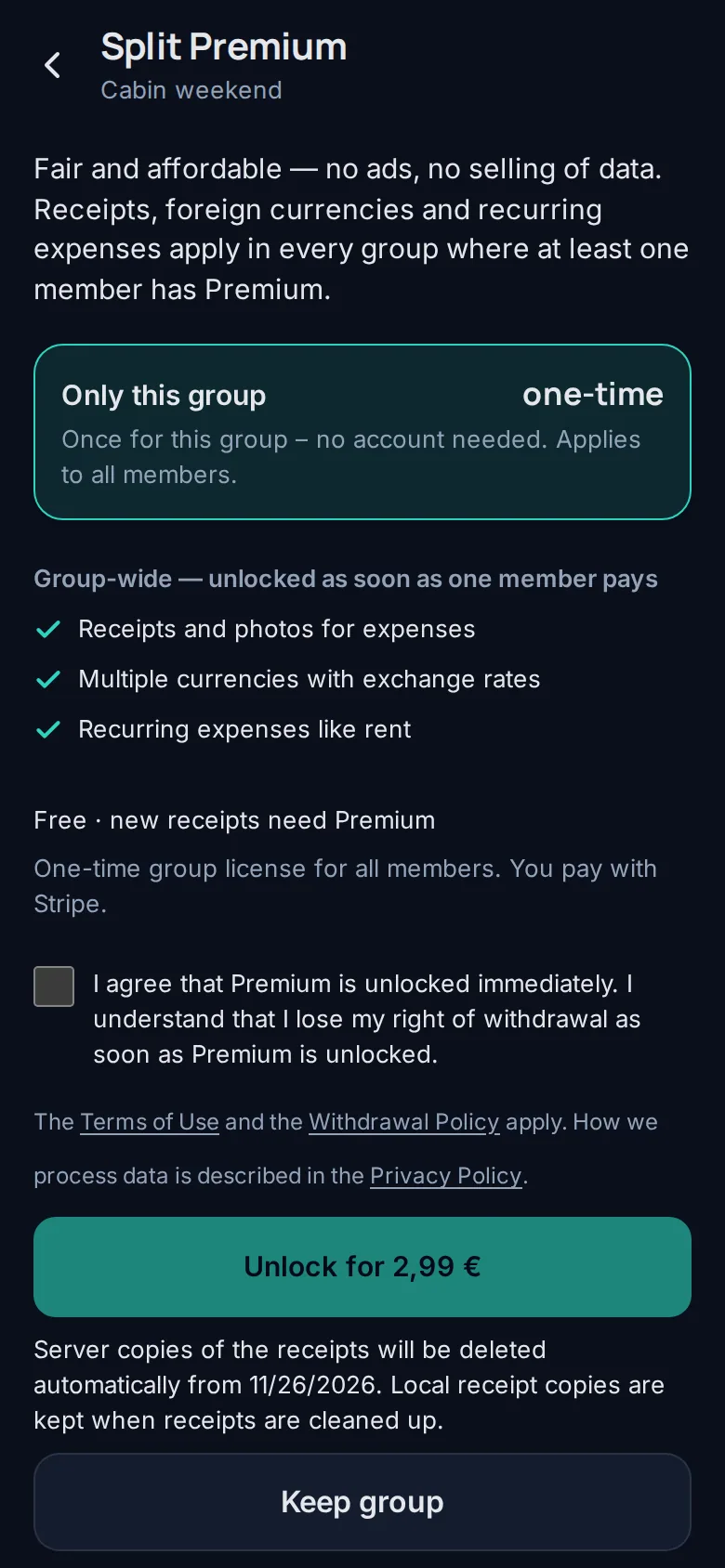
In a group with Premium you can add receipts and photos to expenses, record expenses in other currencies with an exchange rate and have recurring expenses like rent added automatically. This applies to all members as soon as one person has Premium.
- 2
Check a group's status
Open “Premium for this group” in the group menu. It shows “Premium · group license”, “Premium unlocked by …” or “Free · new receipts need Premium”.
- 3
Pick the right way
The group license unlocks exactly one group, once and without signing up. The yearly plan and lifetime belong to your account and apply in every group you're a member of; they also let you export your groups as CSV.
Good to know
- CSV export depends on your own yearly plan or lifetime, not on the group's Premium.
- When Premium ends, existing receipts stay readable. Only new receipts can no longer be added.
- Receipts follow fair use: up to 1 GB per group and 10 receipts per entry. If a group rests for 24 months, Split removes the receipt photos from the server.
- Payment is handled by Stripe. Split never sees card details. All prices include VAT.